EasyManua.ls Logo

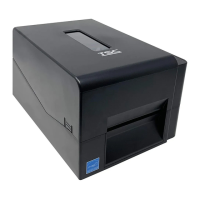
TSC PRINTRONIX TDP-247 Series - Loading Label in Cutter Mode (Option)

TSC PRINTRONIX TDP-247 Series
35 pages
To Next Page IconTo Next Page
To Previous Page IconTo Previous Page
Loading...
14
3.7 Loading Label in Cutter Mode (Option)
1. Open the printer top cover.
2. Insert the label spindle into label roller.
3. Place a label roll to label roll mount.
4. Thread the paper, printing side face up, through the
label guide, platen and cutter module paper outlet.

5. Adjust the black center-biased label guides to fit
edge of the label backing.
6. Close the top cover.

Related product manuals