20
GRBL Guide
Software Download Process
LaserGRBL stands as a prominent DIY laser engraving software. You can acquire it from the
LaserGRBL website: http://lasergrbl.com/download/ (Alternatively, the manufacturer may
provide the installation package on the TF card or a USB flash disk).
LaserGRBL is user-friendly; however, it exclusively supports the Windows operating system
(Win XP/Win 7/Win 8/XP/Win 10). For Mac users, the option of LightBurn exists, an
impressive engraving software albeit not free. It is worth noting that LightBurn also extends
its compatibility to the Windows system.
Note: During the engraving process, the engraving machine must maintain a connection with
the computer, and the engraving machine's software should not be turned off.
Software Installation
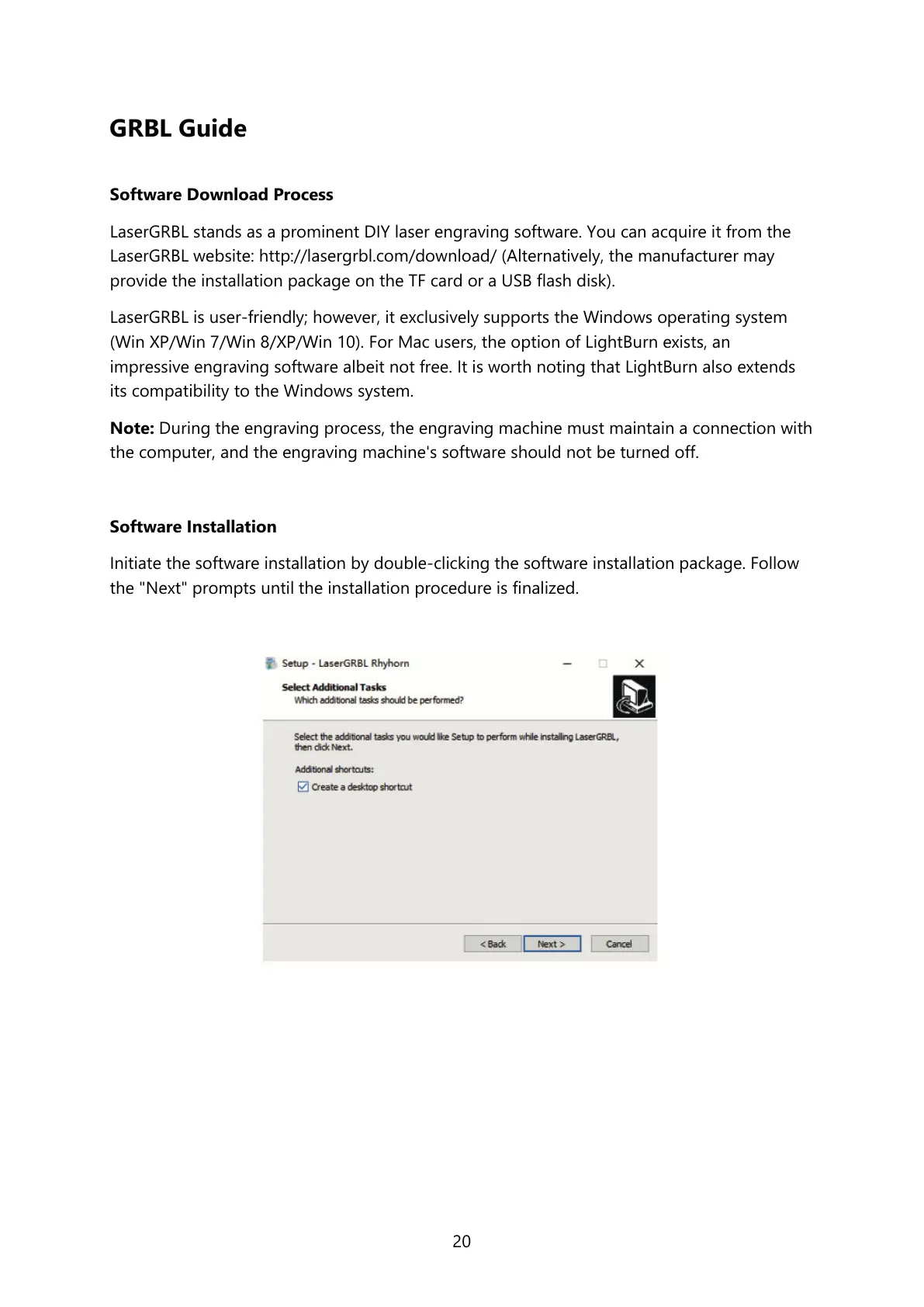
Initiate the software installation by double-clicking the software installation package. Follow
the "Next" prompts until the installation procedure is finalized.



 To Next Page