21
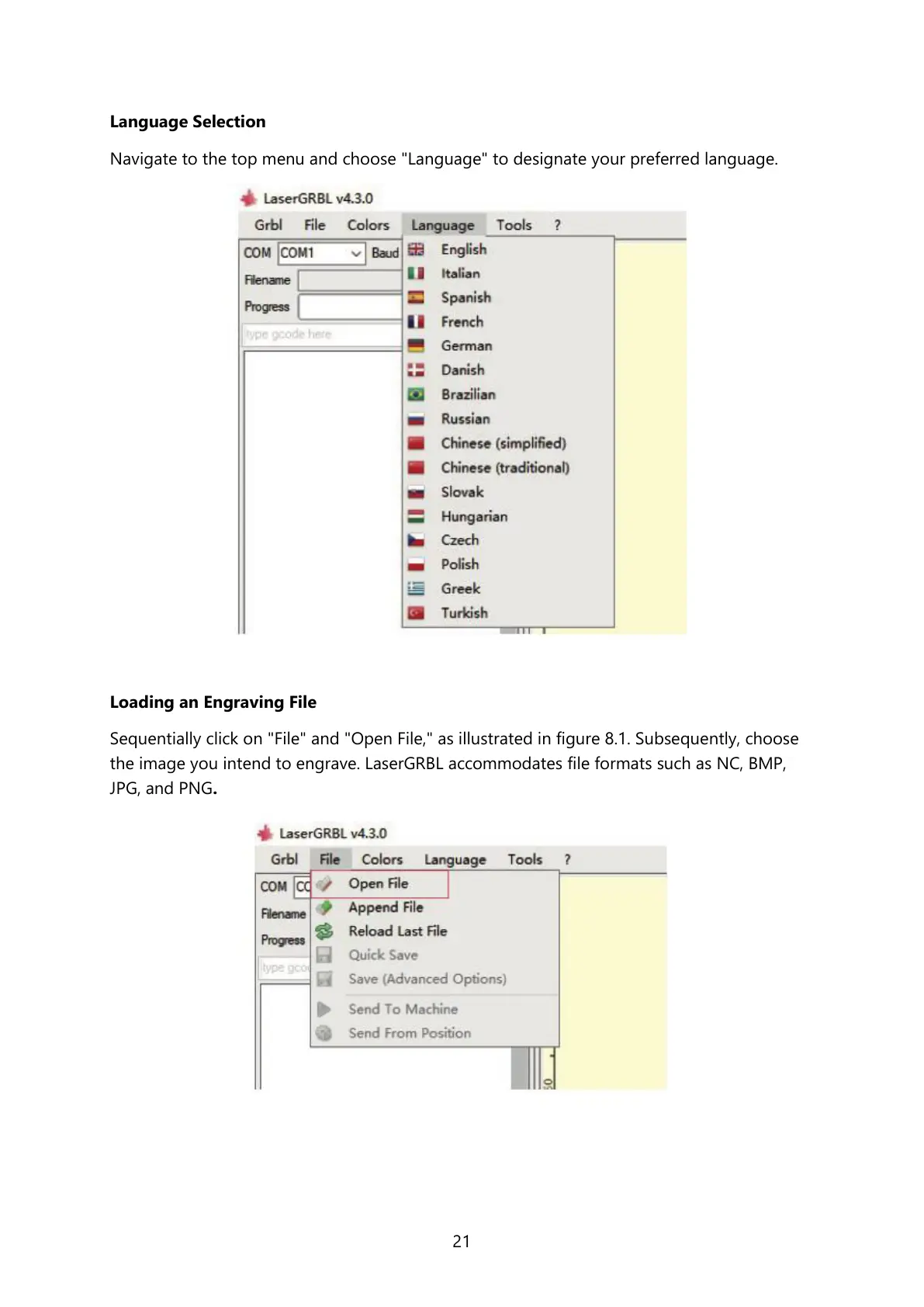
Language Selection
Navigate to the top menu and choose "Language" to designate your preferred language.
Loading an Engraving File
Sequentially click on "File" and "Open File," as illustrated in figure 8.1. Subsequently, choose
the image you intend to engrave. LaserGRBL accommodates file formats such as NC, BMP,
JPG, and PNG.



 To Next Page