27
Initial Machine Testing and Safety Precautions
1. Initial Setup and Connection
Power on the machine and establish a connection with the computer.
2. Movement Verification
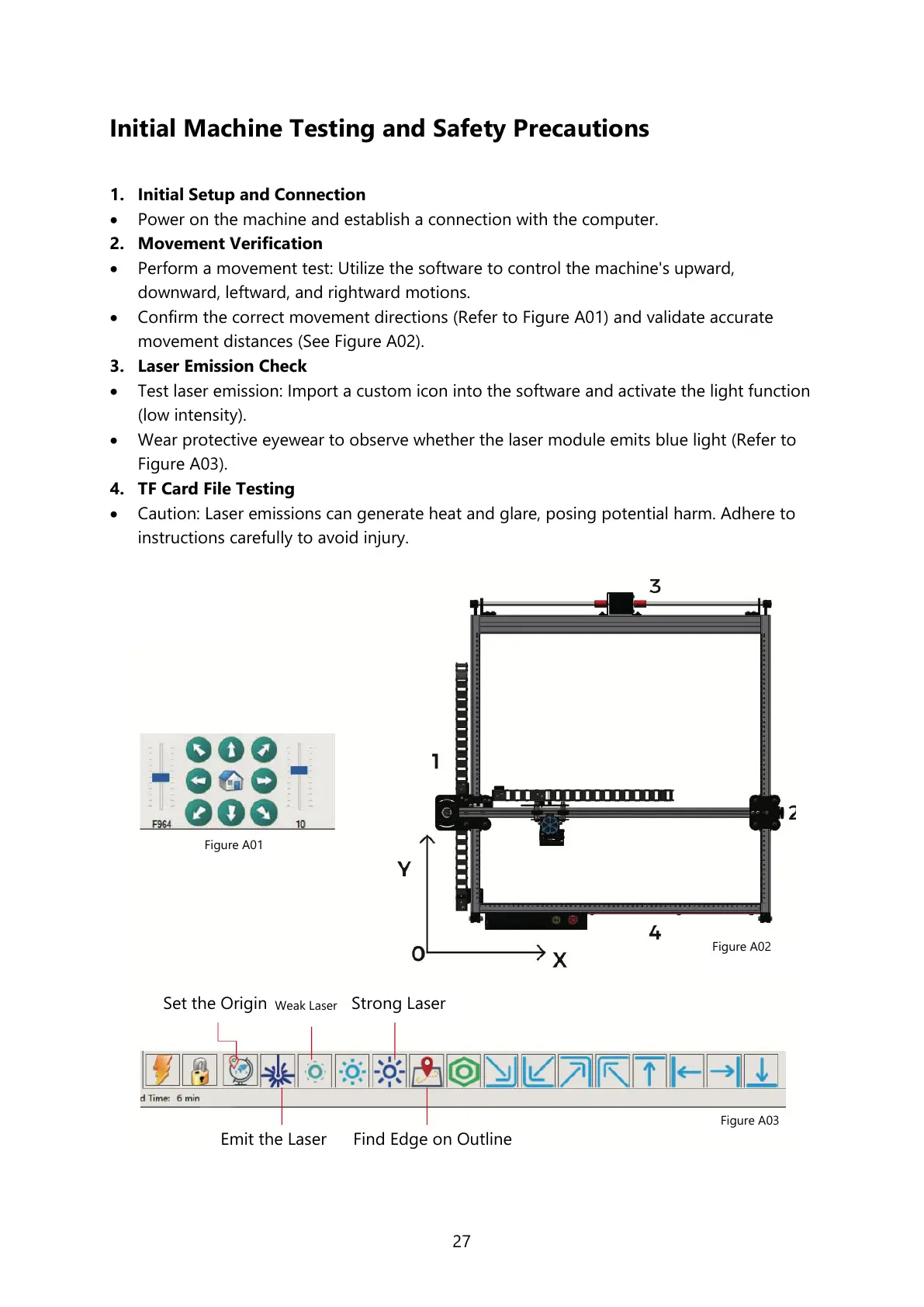
Perform a movement test: Utilize the software to control the machine's upward,
downward, leftward, and rightward motions.
Confirm the correct movement directions (Refer to Figure A01) and validate accurate
movement distances (See Figure A02).
3. Laser Emission Check
Test laser emission: Import a custom icon into the software and activate the light function
(low intensity).
Wear protective eyewear to observe whether the laser module emits blue light (Refer to
Figure A03).
4. TF Card File Testing
Caution: Laser emissions can generate heat and glare, posing potential harm. Adhere to
instructions carefully to avoid injury.



 To Next Page