33
2 Adding Position Preview Code for Gcode:
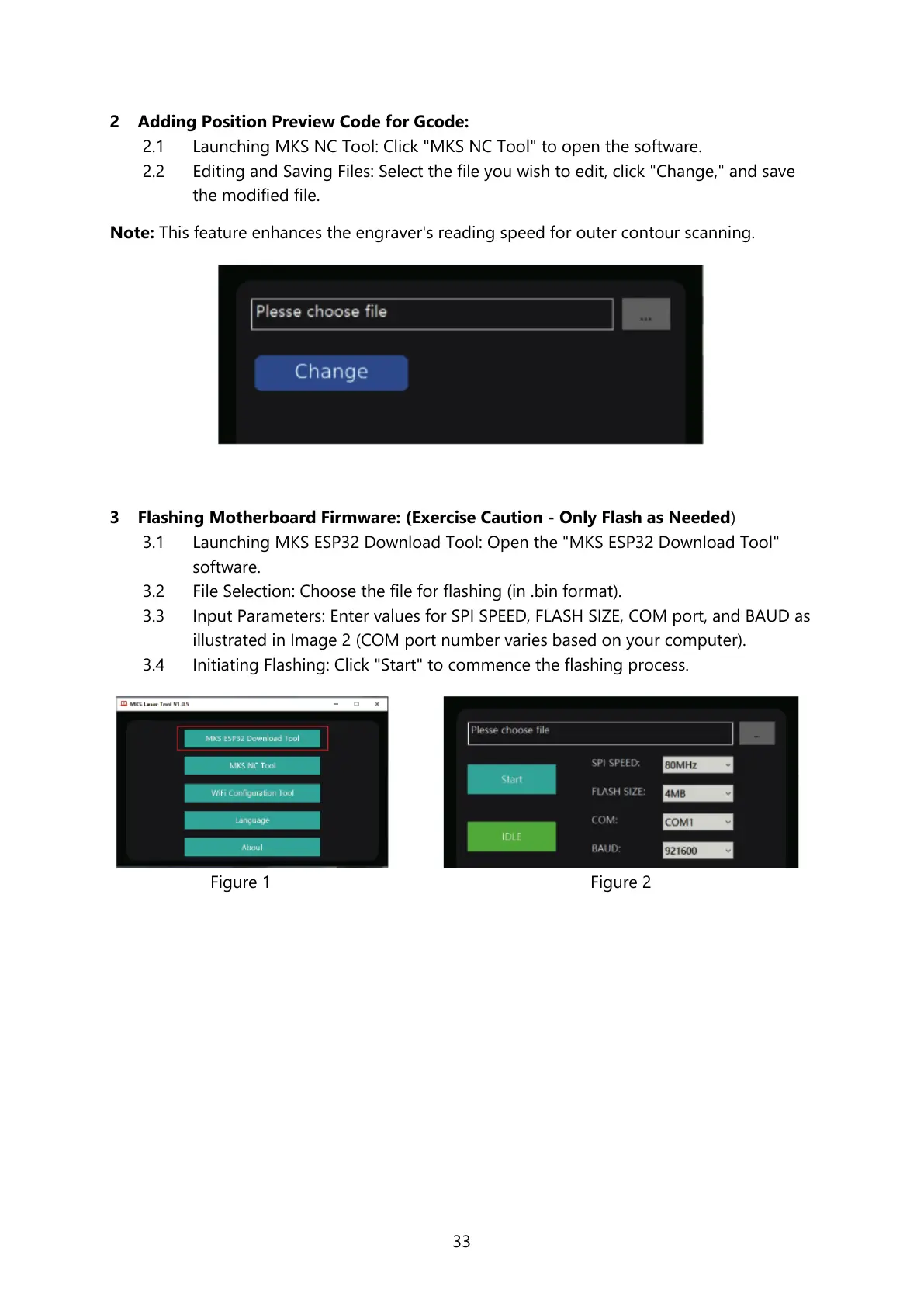
2.1 Launching MKS NC Tool: Click "MKS NC Tool" to open the software.
2.2 Editing and Saving Files: Select the file you wish to edit, click "Change," and save
the modified file.
Note: This feature enhances the engraver's reading speed for outer contour scanning.
3 Flashing Motherboard Firmware: (Exercise Caution - Only Flash as Needed)
3.1 Launching MKS ESP32 Download Tool: Open the "MKS ESP32 Download Tool"
software.
3.2 File Selection: Choose the file for flashing (in .bin format).
3.3 Input Parameters: Enter values for SPI SPEED, FLASH SIZE, COM port, and BAUD as
illustrated in Image 2 (COM port number varies based on your computer).
3.4 Initiating Flashing: Click "Start" to commence the flashing process.



 To Next Page