http://www.tyan.com
24
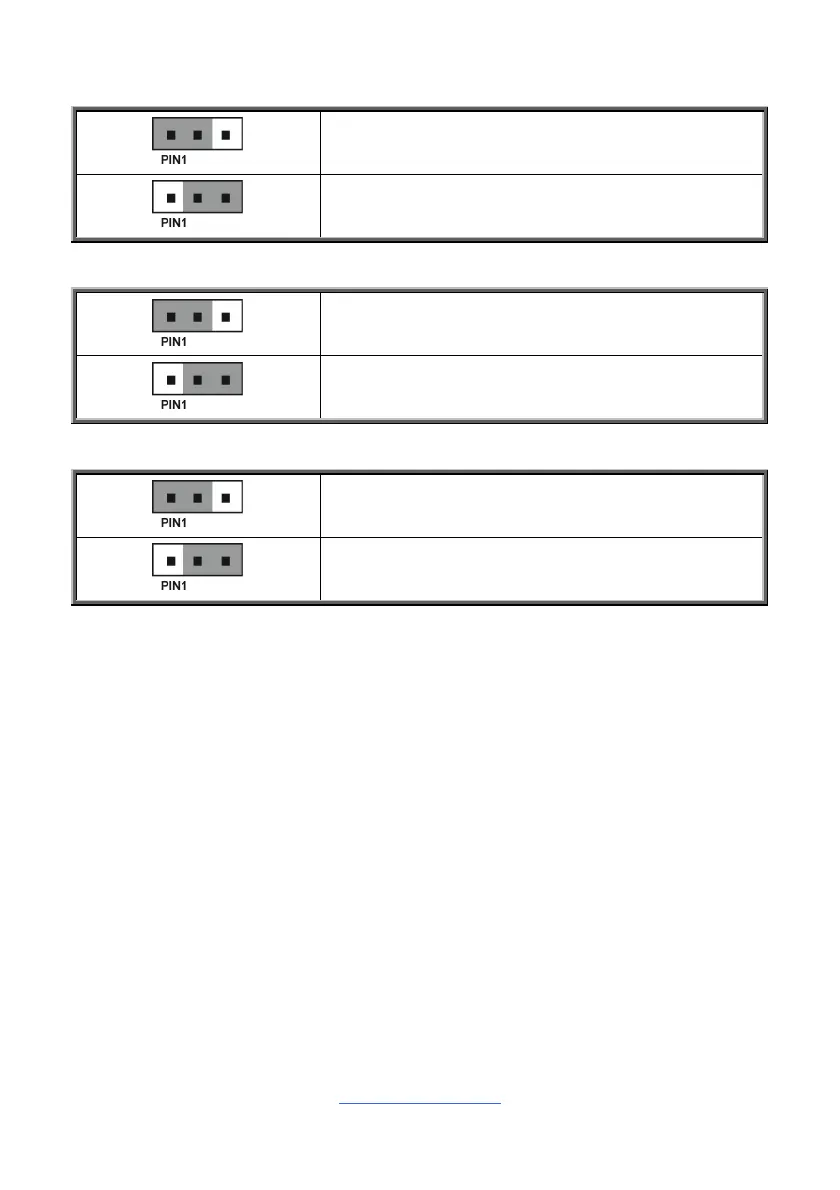
J55/J56: BMC COM Select Jumper
Pin 1-2 Closed: BMC COM Port1 (Default)
Pin 2-3 Closed: BMC Console Port5
J43: Bypass BMC Jumper
Pin 1-2 Closed: Bypass BMC
Pin 2-3 Closed: FPGA waits for BMC ready (Default)
J101: ID Button Switch
Pin 1-2 Closed: Press 5 seconds for BMC HW Reset
Pin 2-3 Closed: Press 5 seconds for power on/off
(Default)



 To Next Page