http://www.tyan.com
43
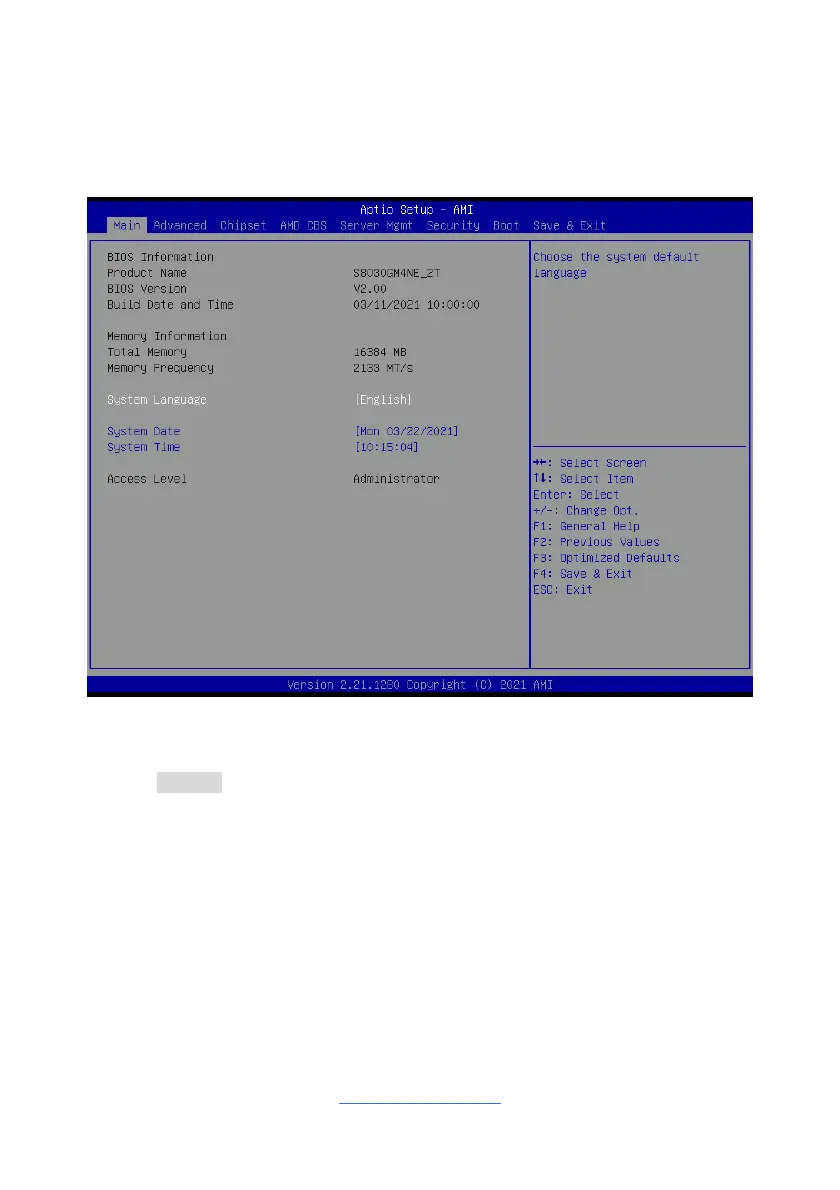
3.2 Main Menu
In this section, you can alter general features such as the date and time.
Note that the options listed below are for options that can directly be changed within
the Main Setup screen.
System Language
Choose the system default language.
English / Simplified Chinese / Japanese
System Date
Set the Date. Use Tab to switch between Date elements. Default Ranges:
Year: 1998-9999
Months: 1-12
Days: dependent on month
System Time
Set the Time. Use Tab to switch between Time elements.



 To Next Page