http://www.tyan.com
50
3.3.2 iSCSI Configuration
NOTE: Only LAN1 supports iSCSI function.
Please follow the instructions to initiate the iSCSI function.
Step 1.
Select Advanced CSM Configuration Network [UEFI].
Step 2.
Select Advanced Network Stack Configuration Network Stack [Enabled]
Step 3.
Save changes and reboot.
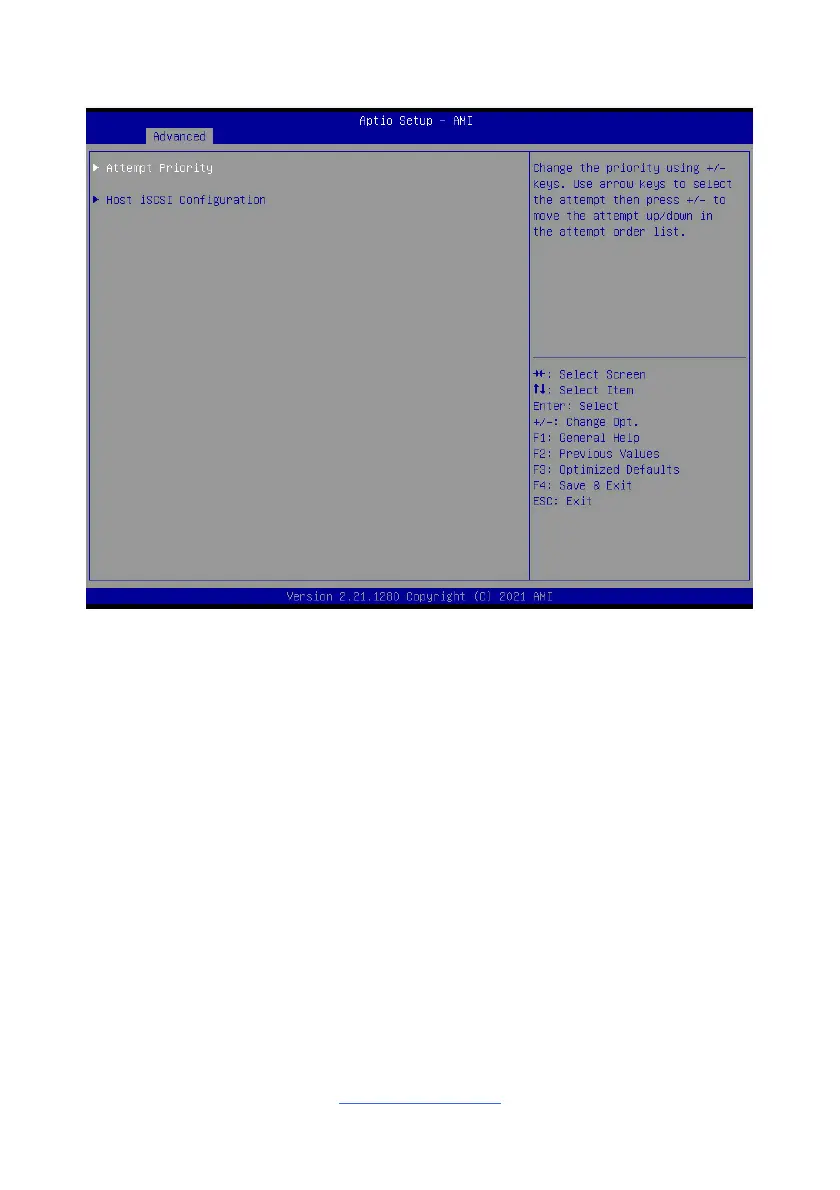
Attempt Priority
Change the priority using +/- keys. Use arrow keys to select the attempt then press
+/- to move the attempt up/down in the attempt order list.
Host iSCSI Configuration
Host iSCSI Configuration.



 To Next Page