EasyManua.ls Logo

Tyco Electronics T212M-PRINTER - User Manual

Default Icon
105 pages
Print Icon
To Next Page IconTo Next Page
Loading...
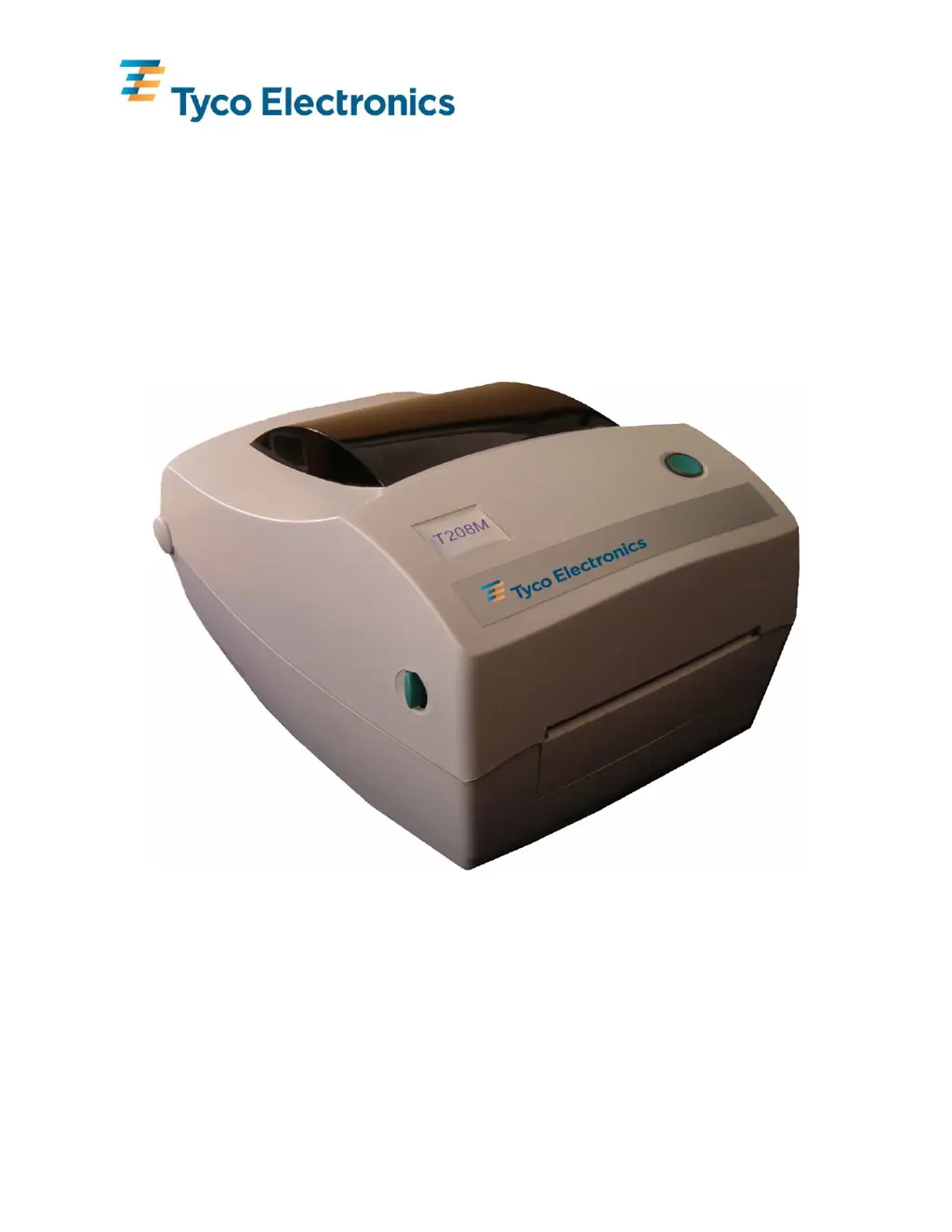
T200 SERIES THERMAL TRANSFER PRINTER
SYSTEM USER’S GUIDE
(T208M-PRINTER, T208M-C-PRINTER, T212M-PRINTER & T212M-C-PRINTER)

Table of Contents

Questions and Answers

Summary

Forward

Important Information!

Shock Hazard Warning

Warns about operating the printer and power supply in wet locations to prevent injury.

Media and Ribbon Warning

Advises using approved supplies and proper loading to prevent printer damage and jams.

Static Discharge

Warns against touching print head/components due to static damage risk.

Printer Set-up and Operation

Attaching the Power Supply

Step-by-step guide to connecting the power supply module and cord to the printer.

Connecting the Interface Cable

Instructions for connecting parallel, serial, and USB interface cables to the printer.

Ribbon Handling

Ribbon Selection

Importance of selecting the correct thermal transfer ribbon for print quality and product compatibility.

Loading Ribbon

Detailed steps for correctly loading a thermal transfer ribbon into the printer.

Calibration Procedures

Sensor and Firmware Management

Changing Sensor Type

Instructions for switching between Transmissive, Reflective, and Continuous sensor modes.

Maintenance Procedures

Cleaning the Print Head

Instructions for cleaning the print head using a cleaning pen or IPA wipe.

Troubleshooting

Tyco Electronics T212M-PRINTER Specifications

General IconGeneral
ManufacturerTyco Electronics
ModelT212M-PRINTER
CategoryPrinter
TypeThermal Transfer Printer
Print Resolution203 dpi
Print SpeedUp to 4 inches per second
ConnectivityUSB
Weight4.4 lbs

Related product manuals