Note: If no LED lights up or is lit full time, make sure the battery is
inserted with correct polarity. Caution! Do not install the batteries
backwards as you can permanently damage the outdoor sensor.
If the LED function is not as expected, remove the batteries, wait 30
seconds and then re-install.
Note: We recommend lithium batteries for cold weather climates, but
alkaline batteries are enough for moderate climates. Rechargeable
batteries should never be used because they have lower voltages.
1.5. Mount outdoor sensor
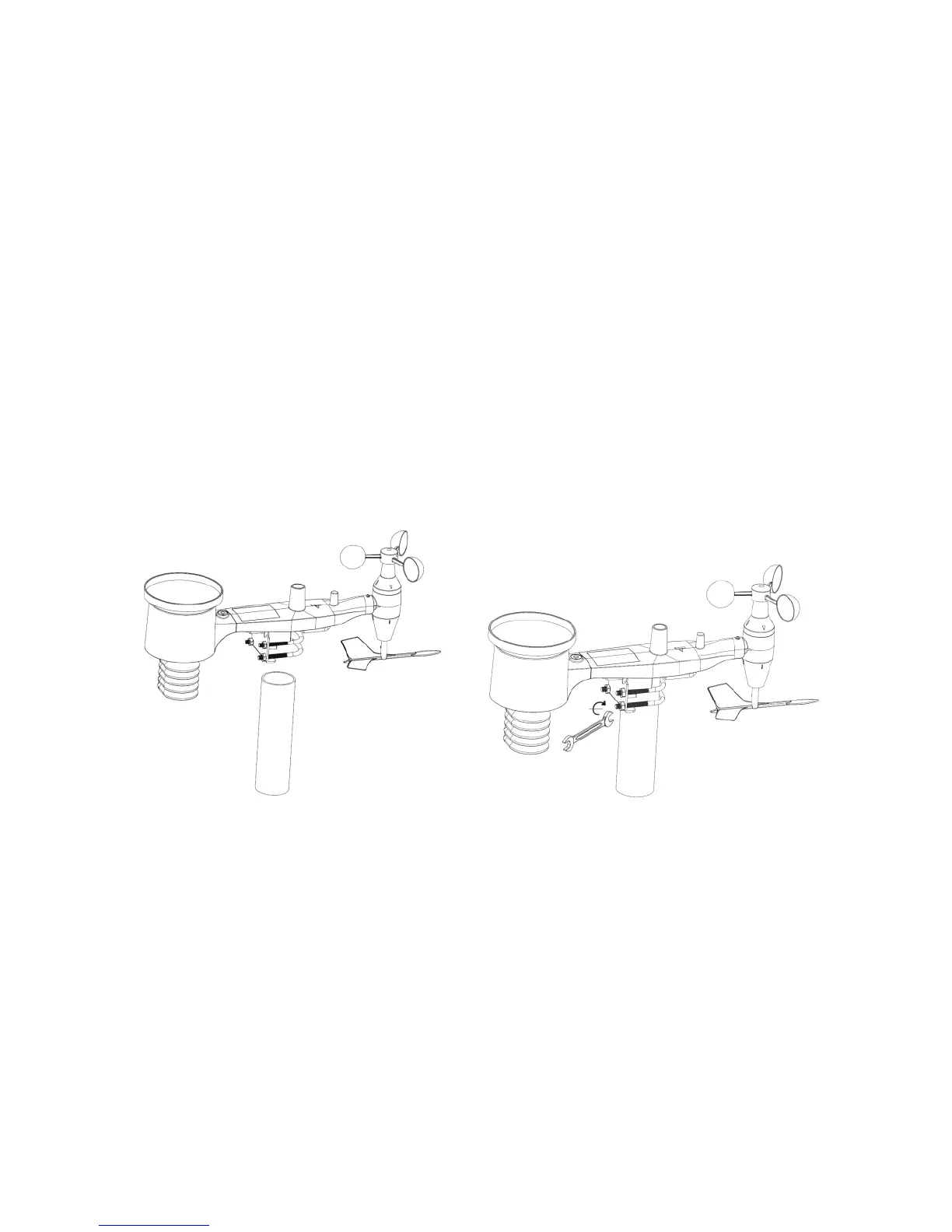
Reference Figure 11 & 12. The mounting assembly includes two U-Bolts
and a bracket that tightens around a 1 to 2” diameter pole (pole not
included) using the four U-Bolt nuts.
Note: Use the bubble level beside the rain sensor as a guide to verify
that sensors are level.
1.5 Reset Button and Transmitter LED
In the event the sensor array is not transmitting, reset the sensor
array:
With an open-ended paperclip, press and hold the RESET BUTTON
for 3 seconds to initiate a reset: LED turns on while RESET button is



 To Next Page