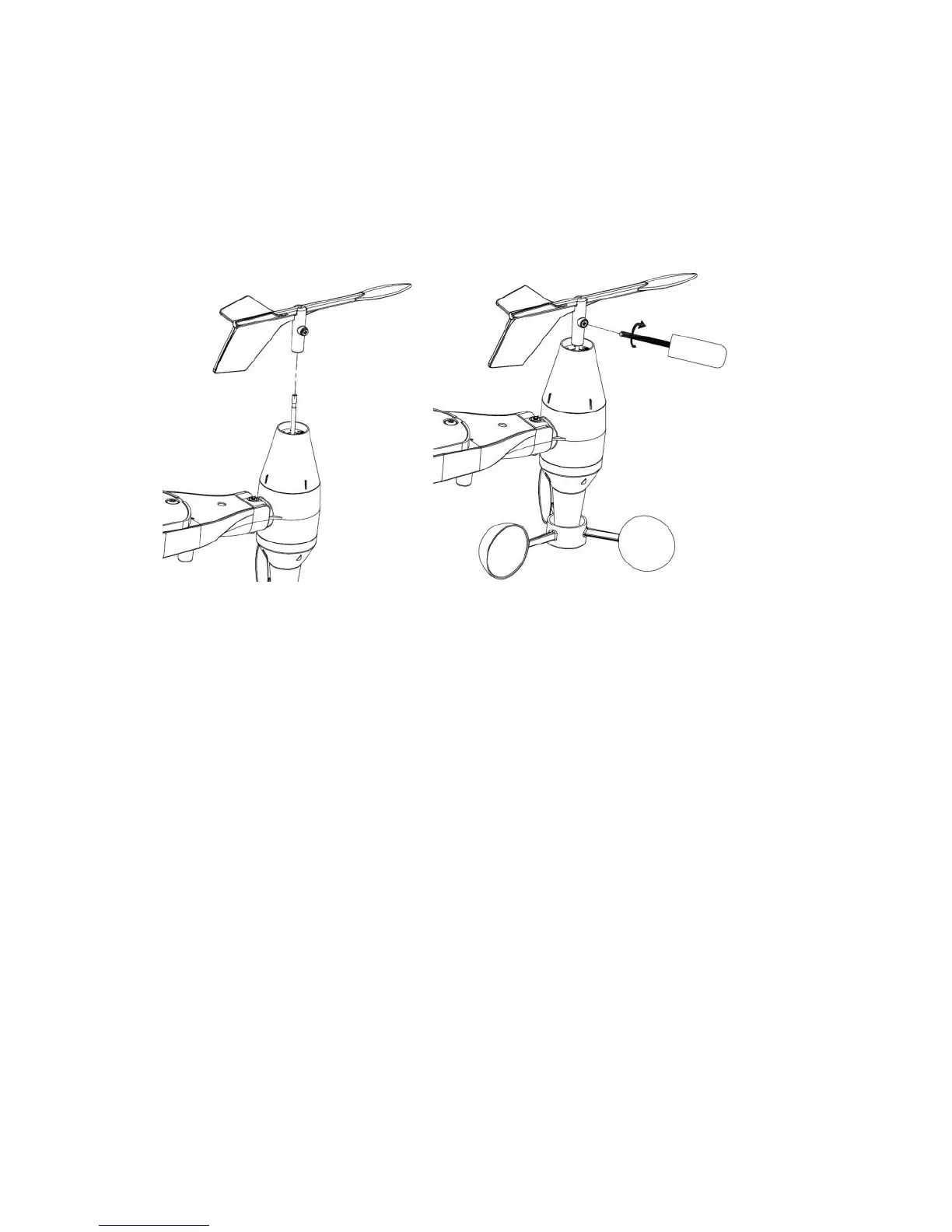
1.2. Install wind vane (If required)
Push the wind vane into the shaft. as shown in figure 5.
Tighten the set screw with as shown in figure 6. Wind vane doesn’t
move as freely as the wind speed sensor. This damping effect is
helpful in keeping wind direction measurement steady.
Figure 5 Figure 6
There are four letters: "N", "E", "S" and "W" around the wind direction
sensor, representing direction North, East, South and West. The Wind
direction sensor must be adjusted so that the directions on the sensor
are matching the real location. A wind direction error will be introduced
if the wind direction sensor is not positioned correctly during
installation.



 To Next Page