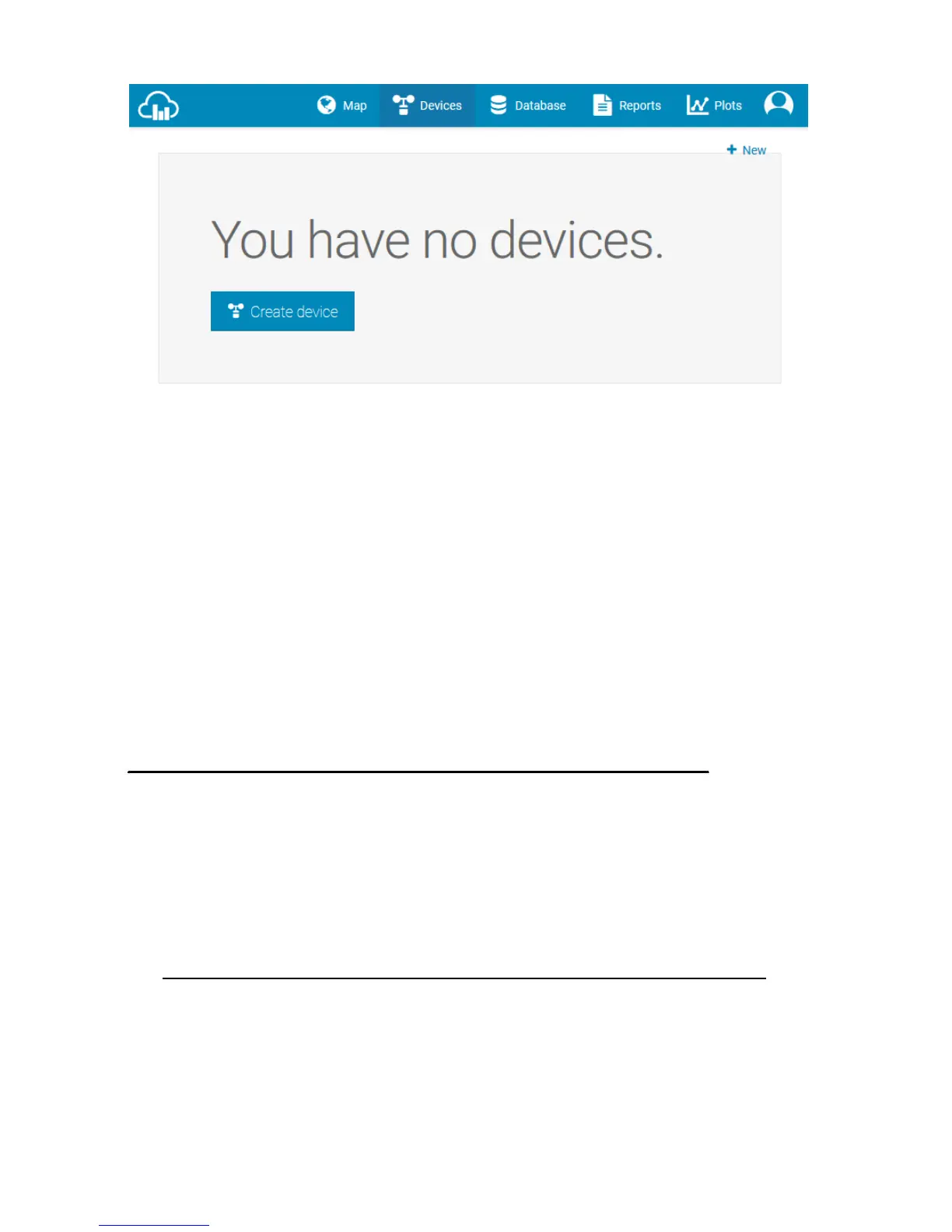
4. Select Create Device and enter your weather station information.
Select Fine Offset as the manufacturer and WH Series as the
Model. Select WS Tool as the Link Type. Fill in other information
as needed. After registering your station, take note of the
Weathercloud ID and Key
Enter the Weathercloud ID (ID), Key (password) into the WS View app.
PC Software Operation
The ProWeatherStation™ includes a PC software to adjust the settings
and monitor the readings.
Connect the display console with the PC software:
1. Download and install the PC software from
http://download.ecowitt.net/down/softwave?n=WeatherSmartIP
2. Make sure your PC is in the same network (connected via Wi-Fi or
Ethernet) as the Weather Station console. Connect your console to
your Wi-Fi network by following the instructions in this user guide
(Page 31 for Android, 43 for iOS).
3. Launch the software and select the IP address of your PC (check the



 To Next Page