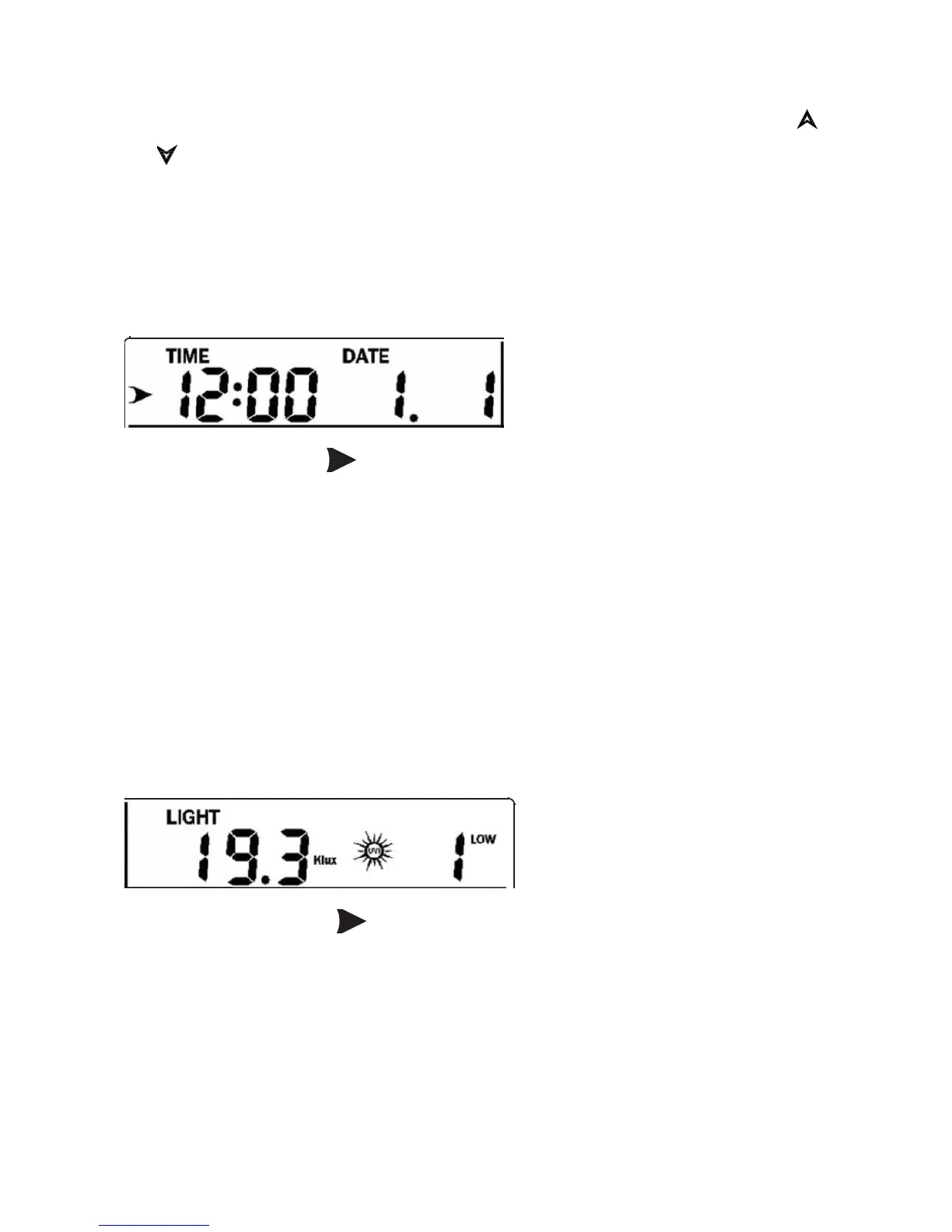
The 11 digits on left are used to display text, the right side displays figures.
The display will automatically switch after a few seconds. Or use the “ ”
or “ ” keys to manually switch the display.
If there are alarms triggered, the alarm information will be displayed in
real time as well.
⚫ Time and date
If the arrow symbol “ ” is in this segment, the following information will
appear on the message board:
a) Year, Weekday
b) Alarm time and status of the alarm(on/off)
c) Moon phase. (Reference Section Other Console Functions/Moon
phase for detail)
d) If connected with Wi-Fi, the device time will synchronize with the
internet time (UTC Time, you need to set the time zone for local
time).
⚫ Light and UV
If the arrow symbol “ ” is in this segment, following information with
time stamp will appear on the message board:
a) The max light strength value of the day.
b) The max light strength value since the last reset
c) The max UV index value of the day.
d) The max UV index value since the last reset.



 To Next Page