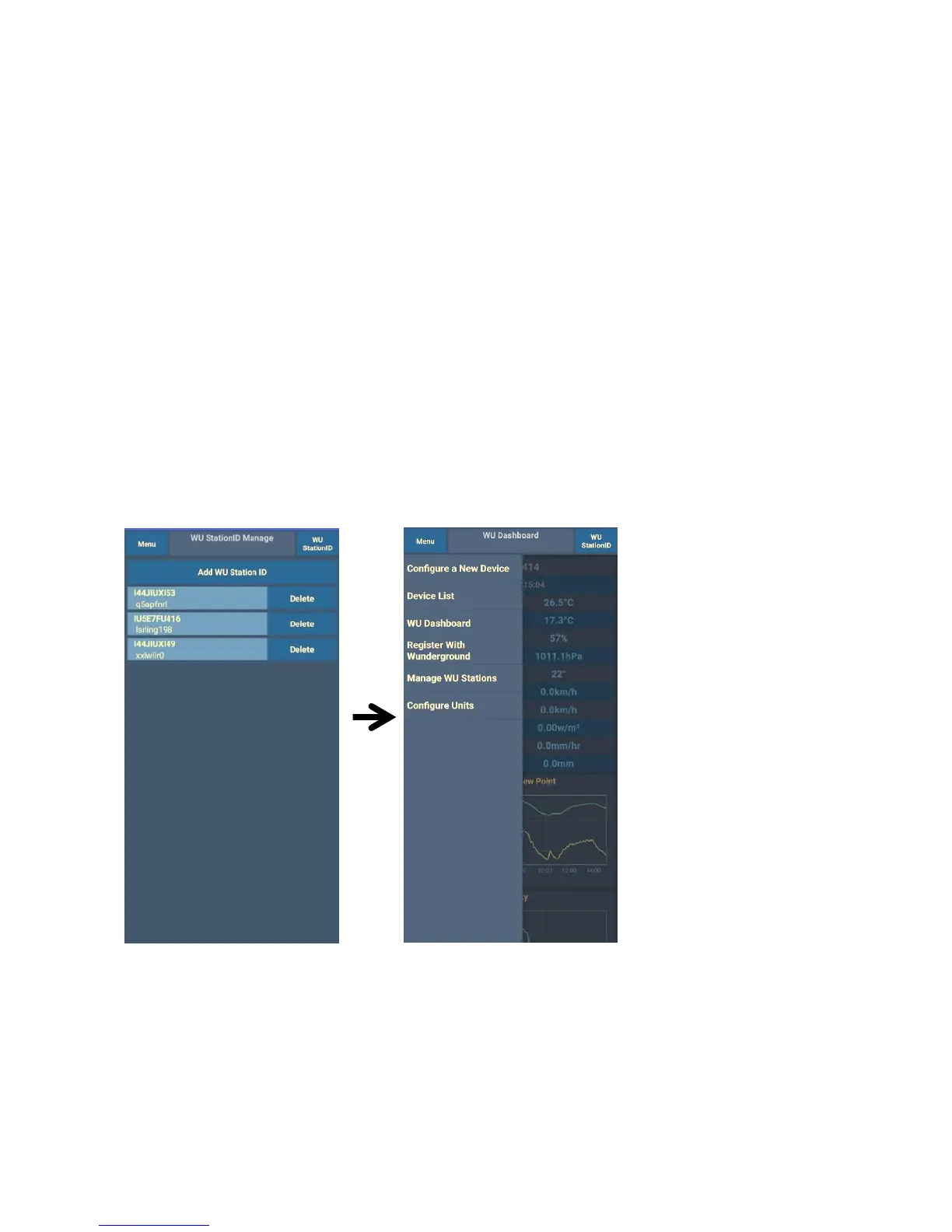
Mobile application – Remove or Add WU ID
If you have previously registered your console for use with
wunderground.com and wish to remove this device data display from App,
use the “Manage WU Station” menu option after tapping on the settings
icon, select “Delete” your console from the list and confirm you wish to
delete the station. The Station ID will delete from WU Station ID list and
will not have the data information on the APP. But the data will upload to
Wunderground.com as usual.
If you want to add a new weather station to view its data on the APP, and
this device is registered in Wunderground.com, select “Add WU Station
ID” and input the WU station ID of this new device.
Mobile application – Set Units
You may want to change the units in which sensor values are reported. To
do so, click on the “Configure Units” menu after tapping on the settings
icon. Next, tap on the sensor type you wish to change the reporting units
for and set the units as desired.



 To Next Page