Download mobile application
Wi-Fi configuration is done using your mobile device. Start by
downloading the “WS View” application from the Apple App Store.
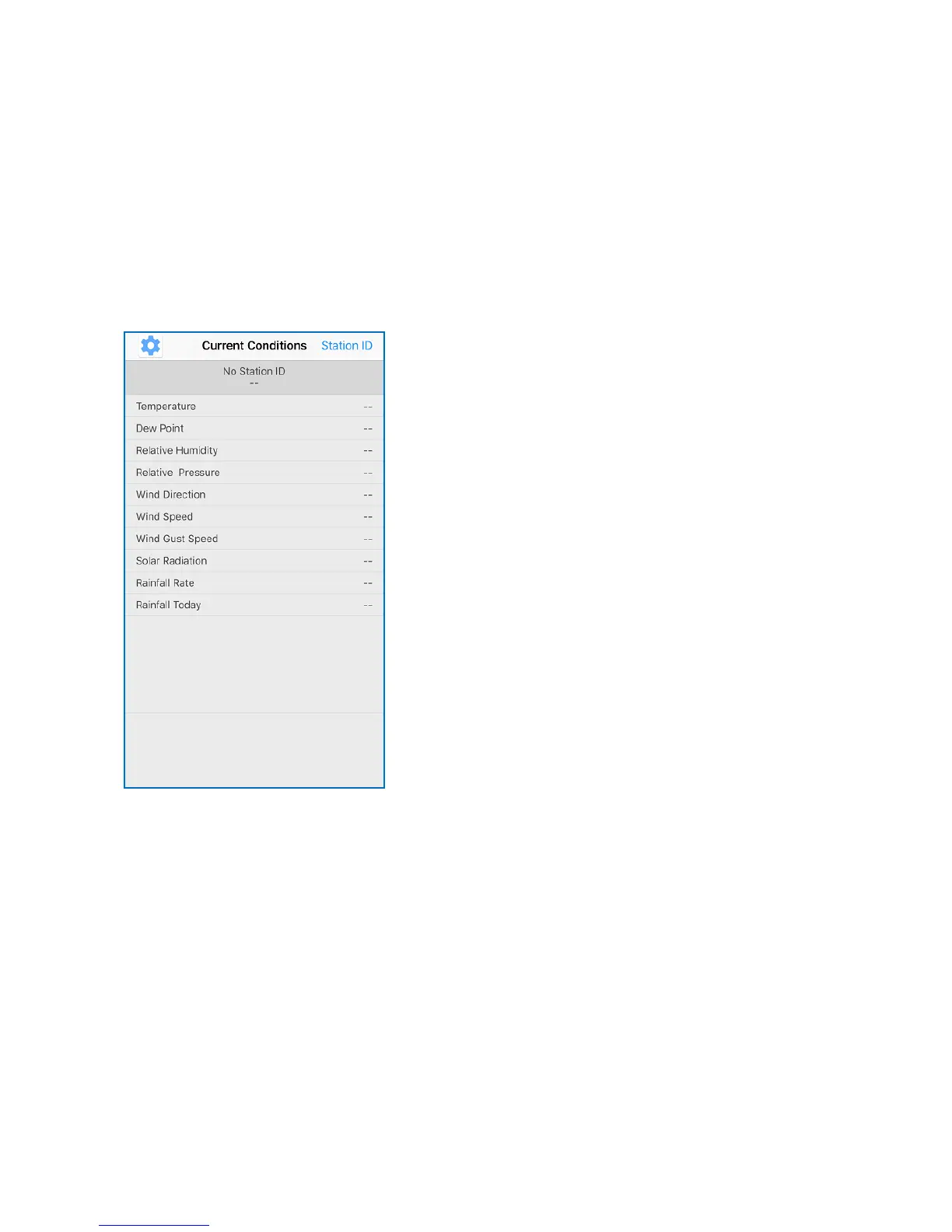
Activate the application you have downloaded on your mobile device. The
main screen will indicate your station is off-line (because it is not yet
connected to Wi-Fi).
Configure Device
Note: If you own a dual band router (2.4 GHz and 5.0 GHz), make sure
you connect to the 2.4 GHz band, otherwise it will fail to connect the
weather station to Wi-Fi.



 To Next Page