Upload Setting
Your console can send your sensor data to select internet-based weather
services: Wunderground.com, Weathercloud.net and,
wow.metoffice.gov.uk. Users need to register at their preferred website to
get a station ID and password. These steps are optional, you don’t have
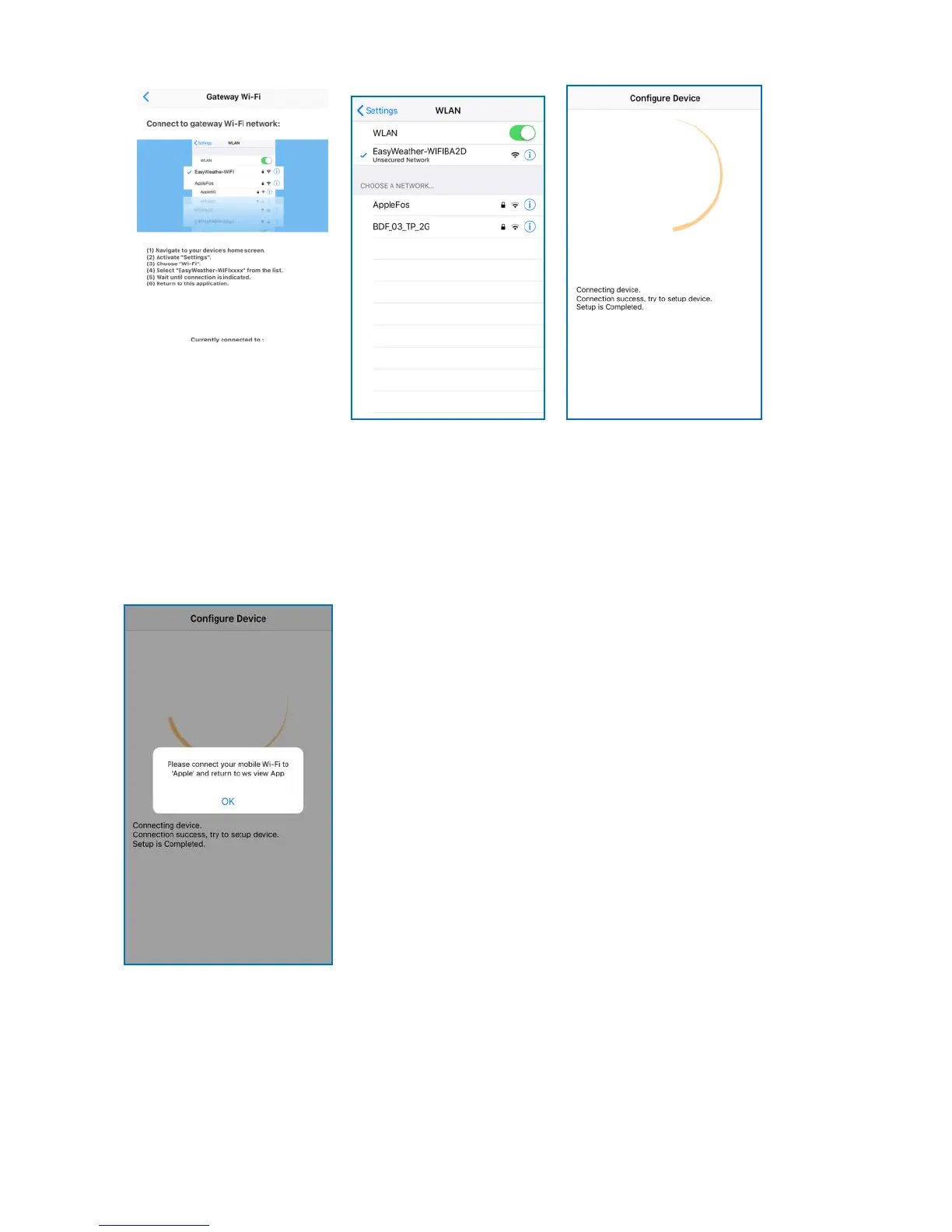
If you see the mesage “Please connect
your mobile Wi-Fi to (Wi-Fi Network
name) and return to WS View App”. Go
back to your Wi-Fi settings, connect to
your network, then switch back to the WS
View App. Press OK to continue.



 To Next Page