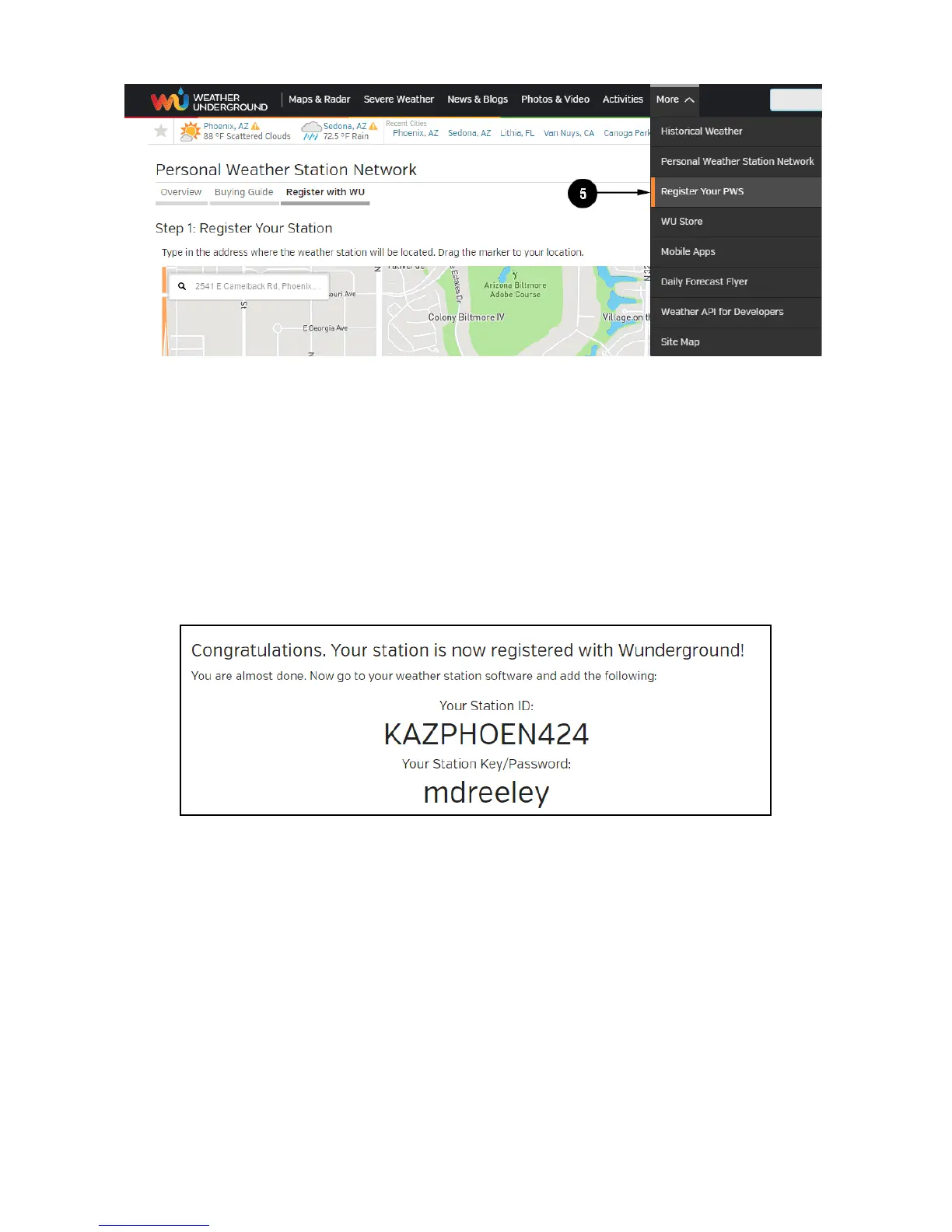
5. After registering your station, make a note of the following:
• Station ID
• Station Key / Password
Enter the Station ID (ID) and Station Key (Password) into the WS View.
Next image is an example (Your station ID and password will be different)
Note: Your station ID will have the form: KSSCCCC###, where K is for
USA station (I for international), SS is your state, CCCC is your city and
### is the station number in that city.
In the example above, KAZPHOEN424 is in the USA (K), State of Arizona
(AZ), City of Phoenix (PHOEN) and #424.
Viewing your Data on Wunderground.com



 To Next Page