RADIODEVICETESTMODE
TheradiodevicetestmodecanbeusedtochecktheradiocoverageoftheTouchpendantandany
otherradiodevicesfromallextremesofthedwelling.
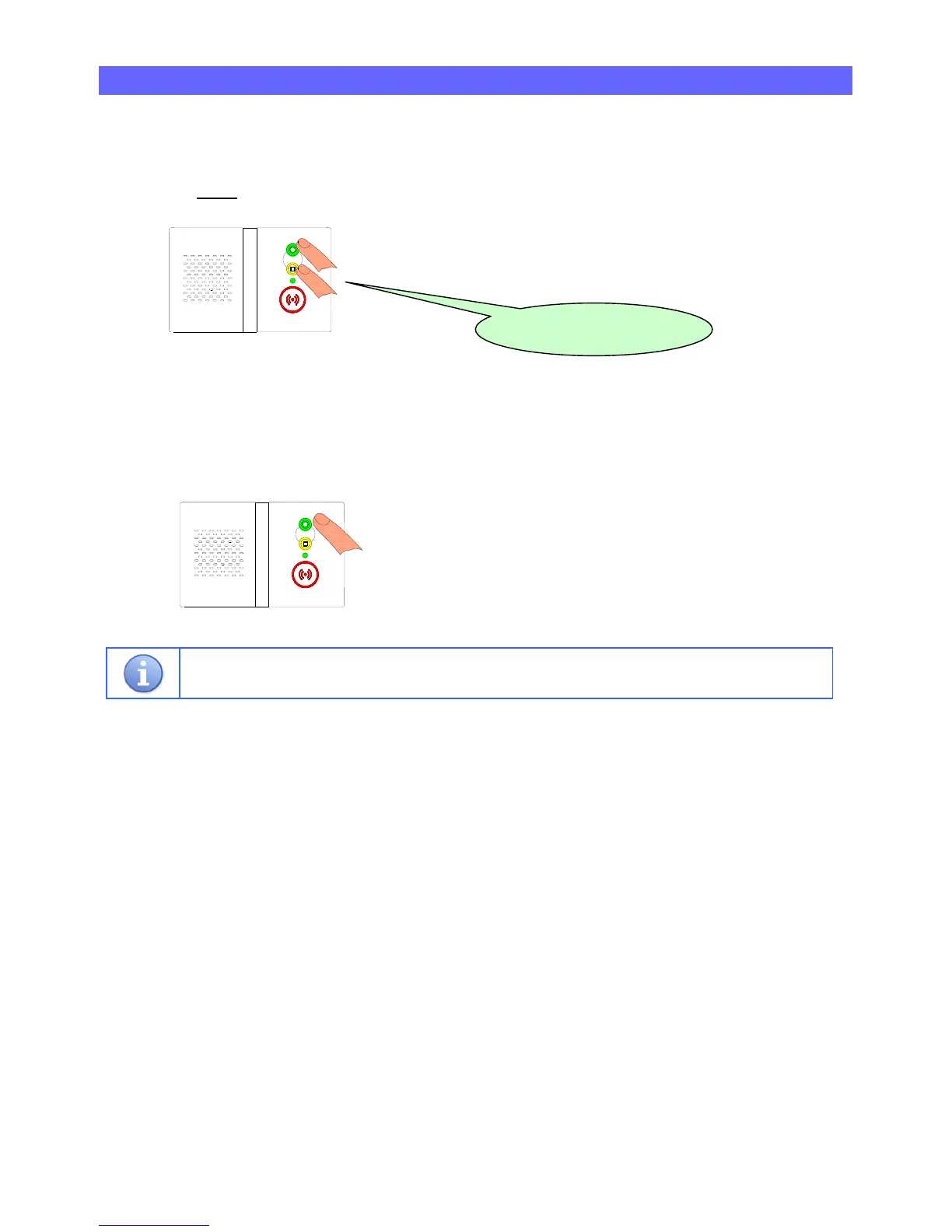
1.PressandHOLDtheGREENandYELLOWbuttonsTOGETHER…
(())WhenthefrontlightFLASHESFASTGREEN
releasethebuttonandtheunitwillannounce…
2.Gotoallextremesofthedwellingandactivatethependant,theReachwillbeepeachtimearadio
signalisreceivedOK.Repeatthetestforallradiodevices.
3.PresstheGREENbuttontoexitradiodevicetestmode…
ThefrontlightwillgoSTEADYGREEN
andtheunitisbackinnormaloperatingmode.
RadioDeviceTestmodewillexitautomaticallyifnoradiodevicesareactivatedfor3minutes.
“Radiodevicetest”



 To Next Page