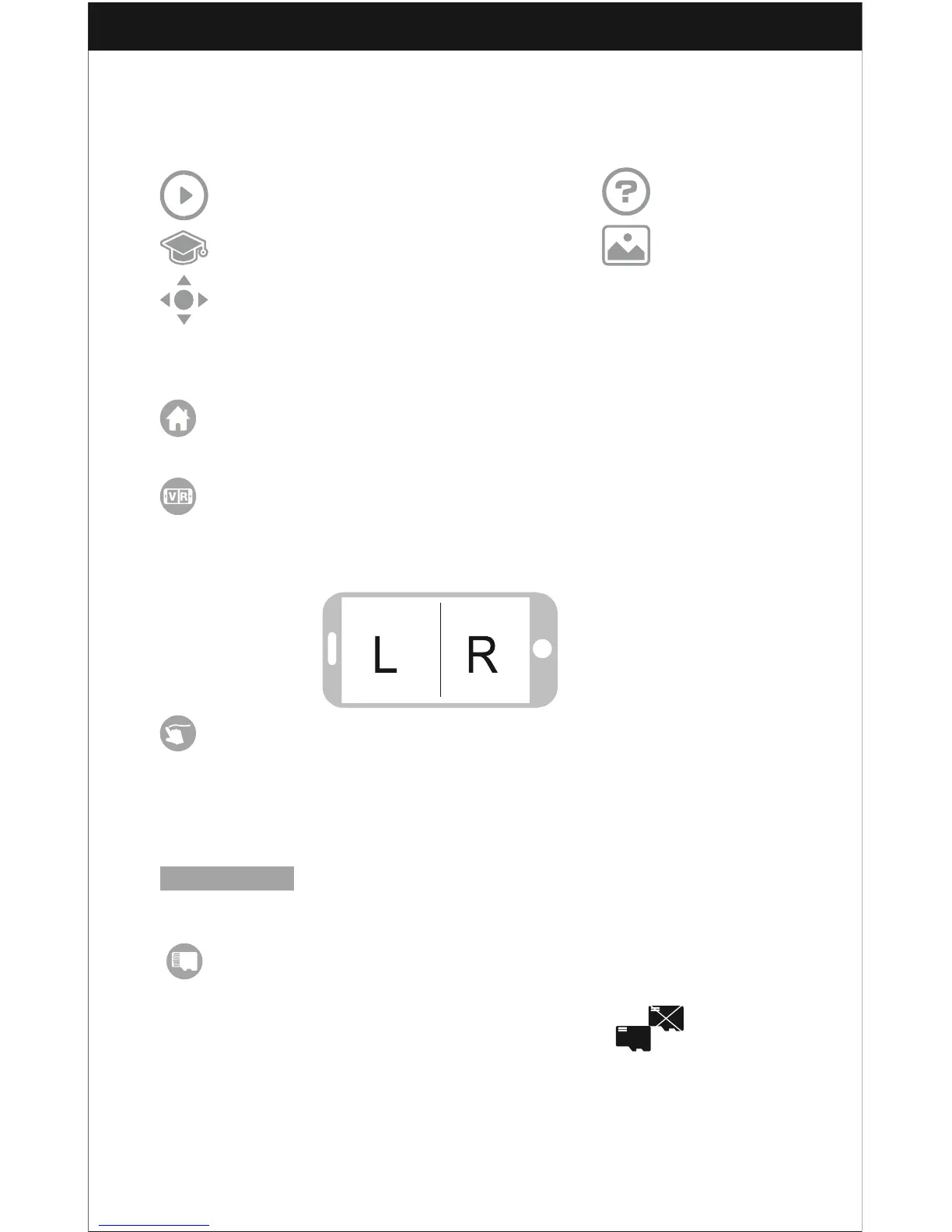
Introduction for APP Icons
Home Page Icons
Explore UDIRC Drone Help
Learn the operation of Drone Media
Remote control interface
Remote Control Interface
Home Page Icon
Click on the icon and back to home page.
Virtual Reality Mode
Click on the icon to enter virtual reality mode to experience first person
view (only available when using with a VR headset). Click on the icon again
to exit from Virtual Reality Mode.
Flight Route Setting Mode
Click on this icon and it will turn red. Draw a flight route in the area you are going to
be flying in. The drone will then fly according to the flight route you have mapped out.
Click on the icon again to exit from Flight Route Setting Mode; the icon will turn
white.
EMERGENCY Emergency Stop
This icon is red by default. Click this icon and the propellers will stop immediately.
TF Card
When the TF card is out of the drone camera, this icon will show:
When the TF card is in the drone camera, this icon will show:



 To Next Page