ULEAD VIDEOSTUDIO USER GUIDE
95
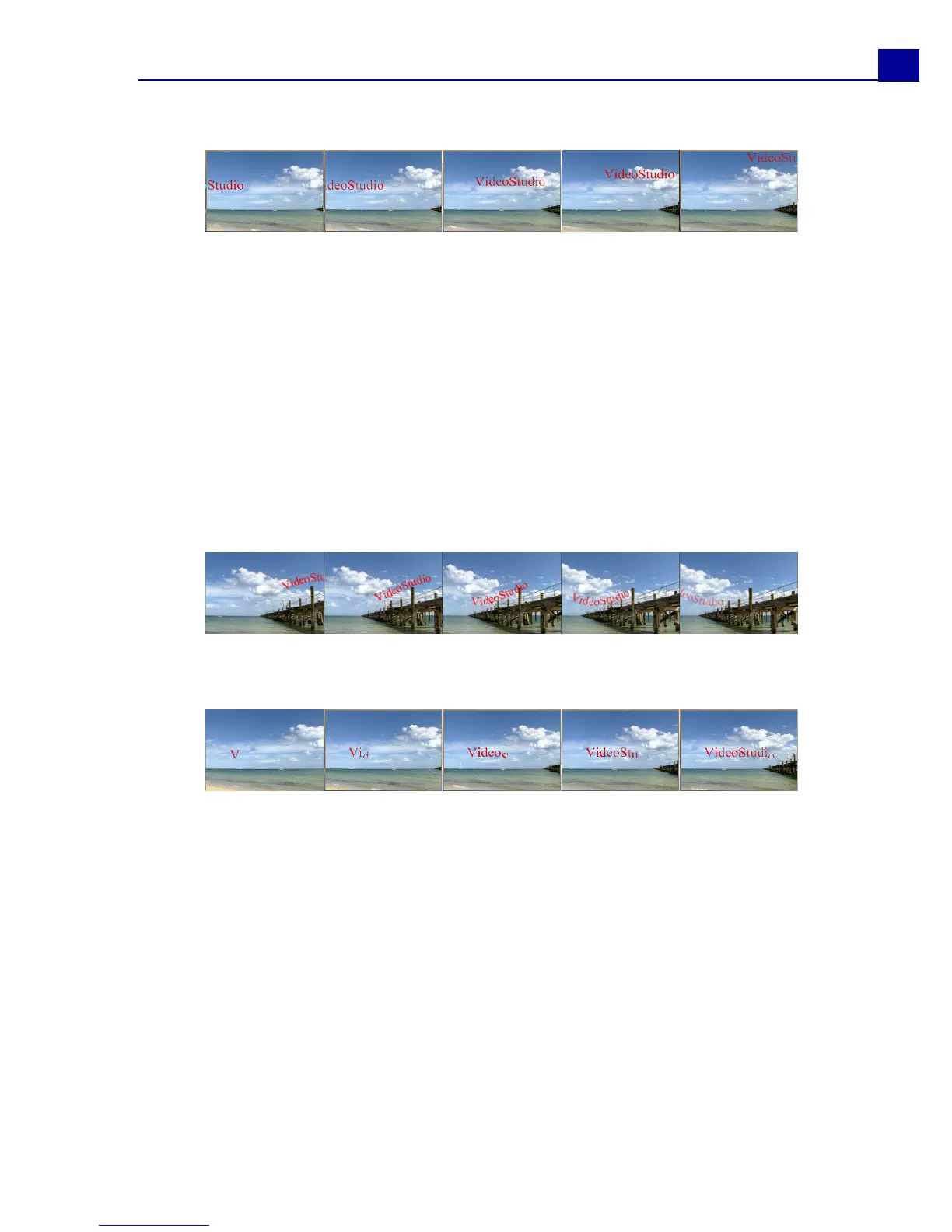
Fly dialog box
• Accelerate: Select to start animating the next unit of the title clip before the
current unit exits the screen.
• Start/End unit: Determines how the title appears in the scene:
Text: The whole title appears in the scene.
Character: The title appears in the scene one character at a time.
Word: The title appears in the scene one word at a time.
Line: A line of text appears in the scene one at a time.
• Pause: Applies a break in between the start and end direction of the animation.
Select No Pause to make the animation run seamlessly.
• Enter/Exit: Denotes the trail from where the motion of the title will start and end.
Click the center button to make the title static.
Moving Path
Pop-up dialog box
• Character Base Displays the applied font face in the Preview window.
• Unit: Determines how the title appears in the scene.
Text: The whole title appears in the scene.
Character: The title appears in the scene one character at a time.
Word: The title appears in the scene one word at a time.
Line: A line of text appears in the scene one at a time.
• Pause: Applies a break in between the start and end direction of the animation.
Select No Pause to make the animation run seamlessly.
• Direction: Specify where the text will originate when the effect is triggered.



 To Next Page