SonixTouch Service Manual 00.053.058, Revision D Chapter 5: Software
5-3
5.2 SHOW/HIDE PROTOCOLS (VIA SERVICE MODE)
Follow the directions below to hide any Protocols the customer may not wish to see (have accessible).
To Show/Hide Protocols:
1. Tap the touch screen Menu button.
2. Select Administrator > Service.
3. Enter the Service Password and select OK.
4. From the Advanced Tools and Options drop-down menu select Show/Hide Protocols.
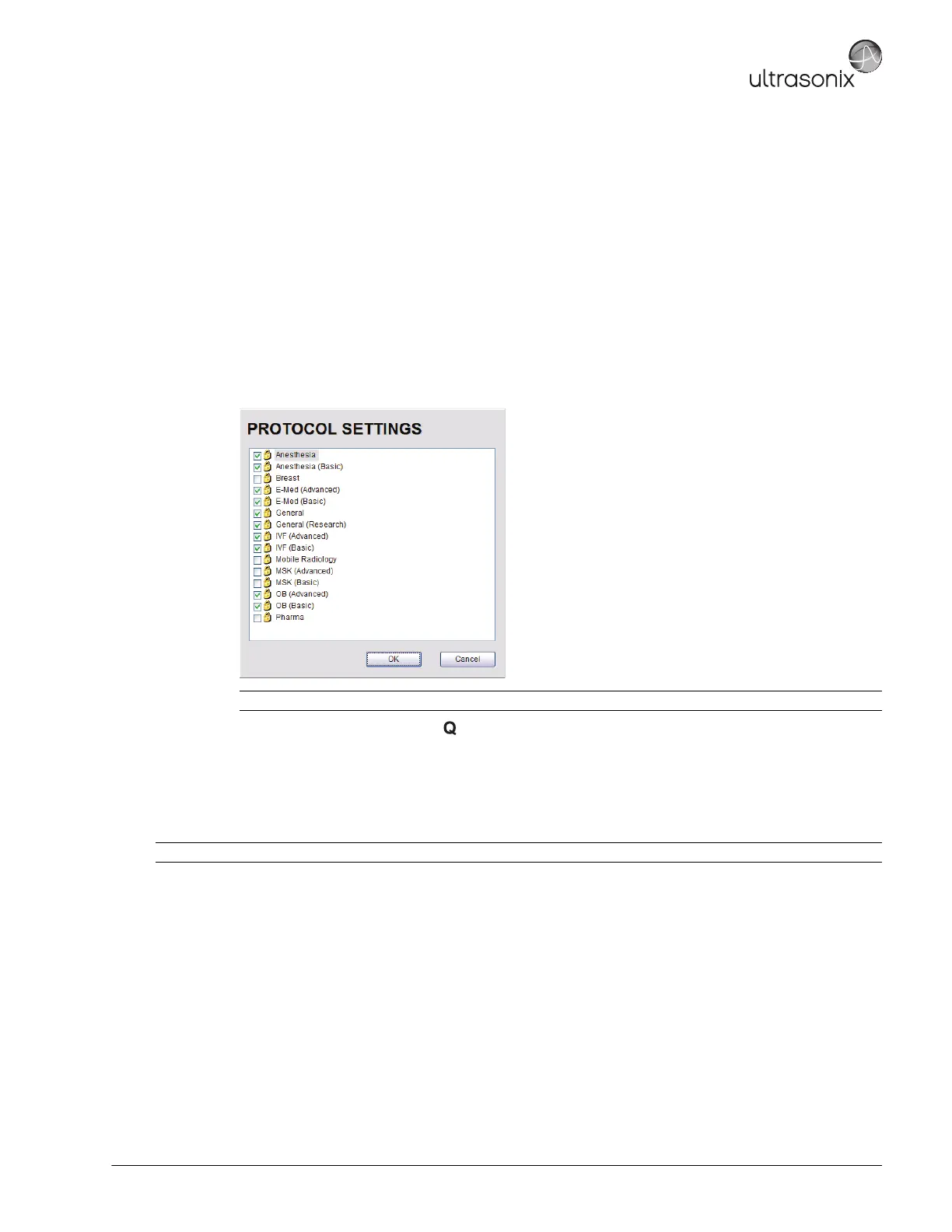
5. Select Go to access the Protocols Settings dialog.
6. Select/deselect the relevant Protocols.
7. Select OK, then press the console button to close all Menu dialogs.
5.3 PATIENT DATABASE REPAIR
This option is to be used only if the patient database becomes corrupted.
Note: Any Protocol with a checkmark will be visible and therefore available for selection during imaging.
Caution: Backup patient data on a regular basis (7.1 Protecting Patient Data).



 To Next Page