Chapter 7: Field Service Components 00.053.058, Revision D SonixTouch Service Manual
7-12
7.2.3 Turning ON the UPS Breakers
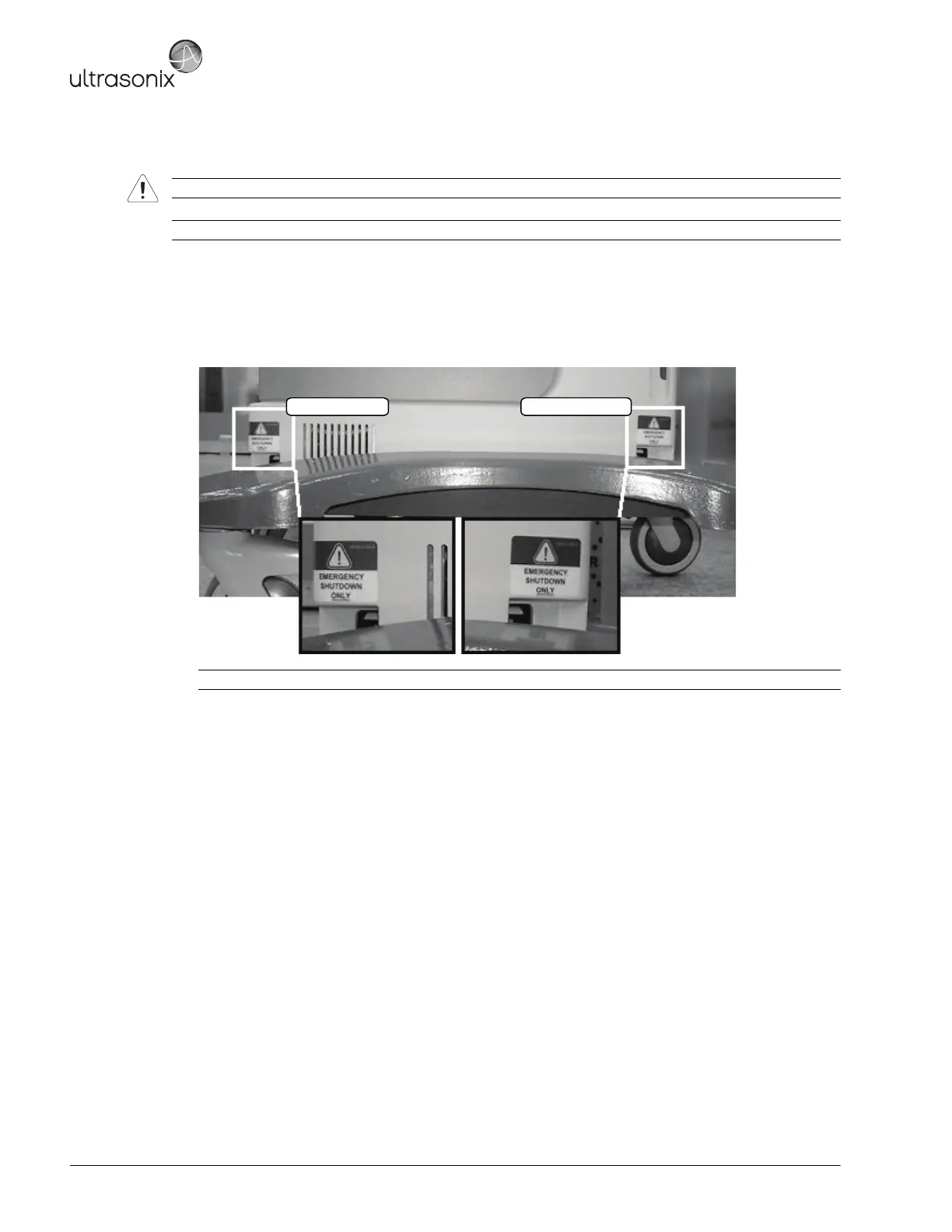
To Turn ON the UPS Breakers:
1. Plug in the system.
2. Turn 1: Battery Breaker to the ON position.
3. Turn 2: AC Input Breaker to the ON position.
Warning: Do not perform any internal system maintenance if the UPS breakers are turned on.
Note: Breaker access is at the bottom of left side shroud (Figure 5-1).
Caution: It is important to turn the breakers ON in the order specified.
1: Battery Breaker 2: AC Input Breaker



 To Next Page