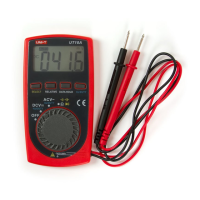
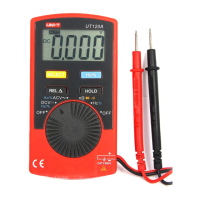
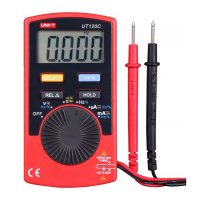
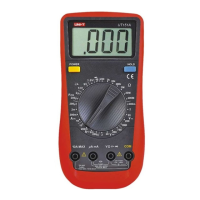
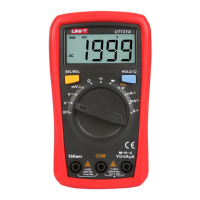
Model UT105: OPERATING MANUAL
55
Maintenance(3)
Warning
To avoid false readings, which could lead to possible
electric shock or personal injury, replace the battery
as soon as the battery indicator " " appears.
To replace the Meter’s battery:
1. Turn the Meter power off and remove all connections
from the terminals.
2. Take the Meter out from the holster.
3. Remove the 3 screws from the case bottom, and
separate the case top from the case bottom.
4. Remove the battery from the battery connector.
5. Replace with a new 9V battery (NEDA1604, 6F22 or
006P).
6. Rejoin the case bottom and case top, and reinstall
the 3 screws and the holster.
** END **
This operating manual is subject to change without notice.


 To Next Page
 Loading...