26 27
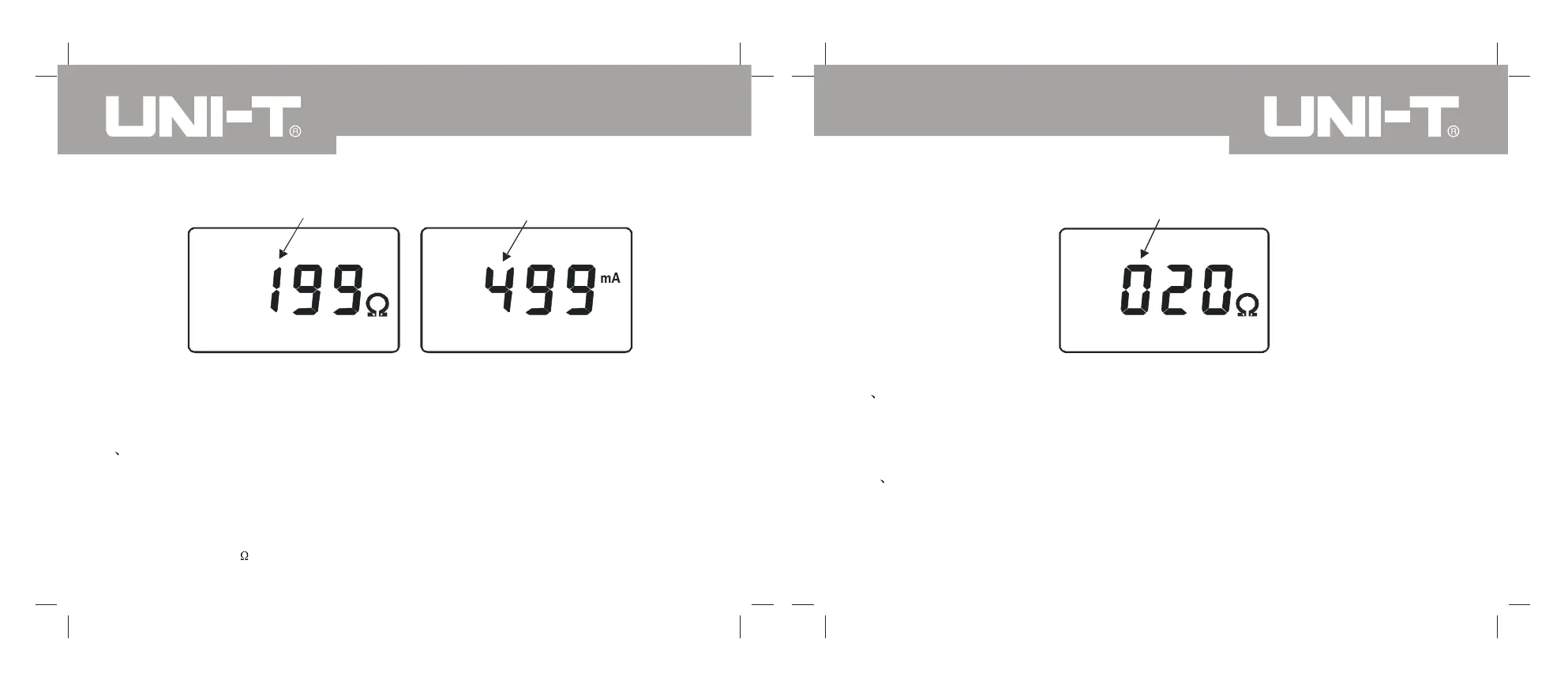
Flicker
Flicker
Picture13. Set the resistance
alarm critical value
Picture14. Set the current
alarm critical value
8 Alarm Critical Value Inquiry
Under the test mode, press key AL 3 seconds to inquire the alarm critical value,
and the highest digit number shall flicker and each time inquired is the previous
set value. Press key AL 3 seconds or key POWER to exit and check, back to
measurement status. As shown in picture 15, the previous set resistance alarm
critical value is 20 .
Flicker
Picture 15
9 Data Wipe
Under the data inquiry mode, press key SA VE+POWER, automatically wipe
all stored data, after it , meter shall display as shown in the picture 12, and all
wiped data shall not able to recover .
10 Data Uploading to Computer
Connect the meter host with computer with the RS233 communication wire
deployed with the meter and the meter shall power on and operate software,
select history check, and read, store and print the history data. The history
data could be saved as Txt text or in the Excel format.
UT276A/278A OPERATING MANUALUT276A/278A OPERATING MANUAL


 To Next Page