16 17
VII Operation Methods
1 Power-on
Notes
When starting it, don't pull the trigger , open the clamp jaw and clamp any wires.
pull the trigger, open the clamp jaw and clamp wires only after power-on and
display the Ol
Before power-on, pull the trigger once or twice to confirm the clamp jaw can
close or open freely .
When power-on, keep the clamp meter static, no turning and no force on the
clamp jaw or the measurement accuracy can't be guaranteed.
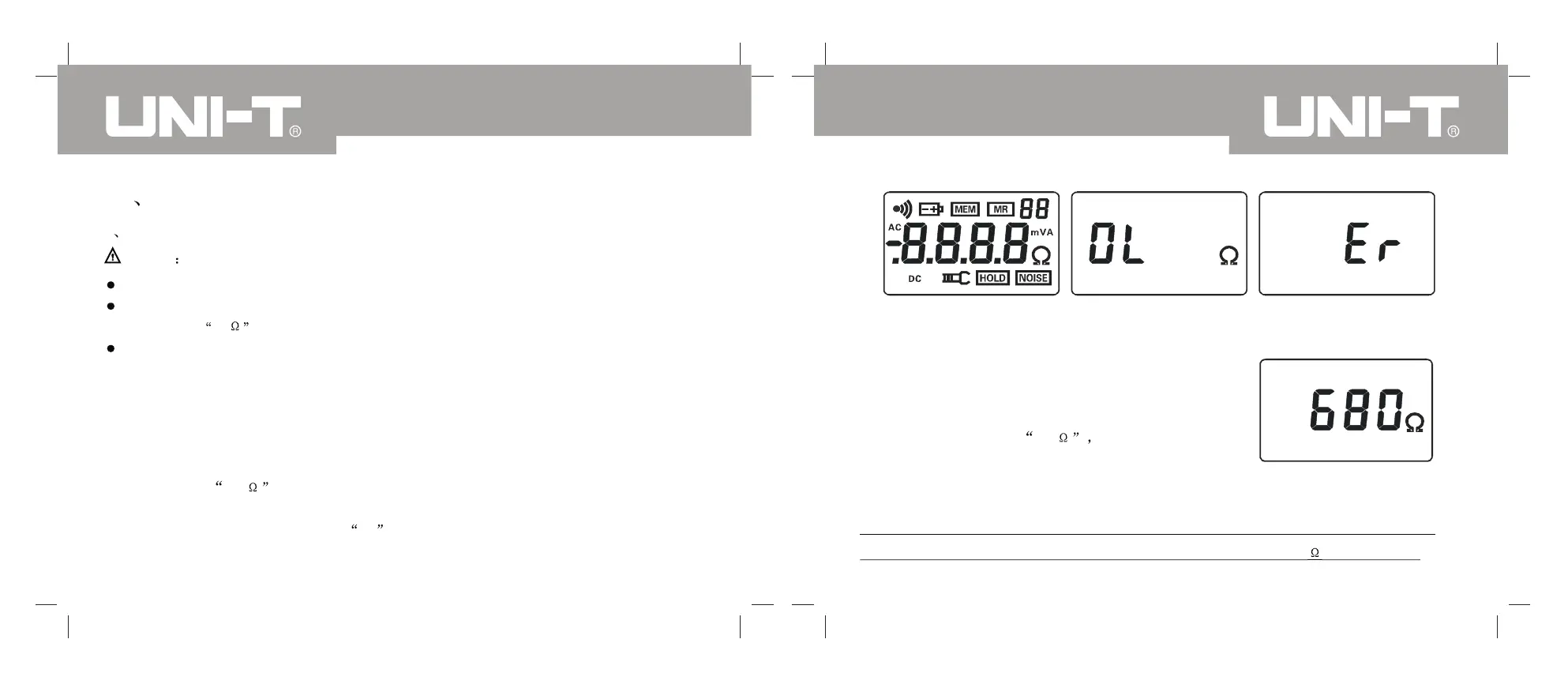
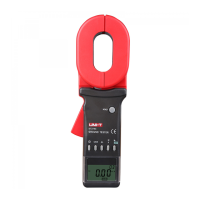
Press the key POWER, check the LCD automatically and symbols shall appear
as shown in picture1. Meanwhile, the meter calibrate automatically, after power-on,
it shall display OL and enter automatically into the resistance measurement
mode, as shown in picture2. If automatic calibration under improper power-on,
the meter will display the symbol Er indicating error occurs in power-on, as
shown in picture3.
Picture 1
Picture2
Picture 3
The power-on error might be resulted by the bad
closure of clamp jaw or by the dirt on the clamp
jaw surface, please clean it.
Picture 4
If after the power-on self check, it appears a big
resistance instead of OL as shown in
picture 4. It might be resulted by the bad closure
of clamp jaw or by the dirt on the metal surface,
please clean it.
If the result is correct in detection by the test ring, it represents that the clamp
meter have big error just in measuring high resistance (>100 ), and remain
UT276A/278A OPERATING MANUALUT276A/278A OPERATING MANUAL


 To Next Page