20
UT361/UT362 OPERATING MANUAL
5) Record Clearing
Method 1: Press and hold button 8 until LCD appear CLR when power on.
Method 2: Resume to factory setting (see function setting stuff)
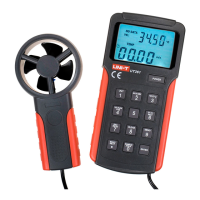
Press and hold button 7 to view the data records of wind speed measurement and
wind count measurement.It automatically display last data record. LCD will be displayed
the recording number or recording data. LCD display " RECNO "
1) Press button 2 to increase the reading records. Press and Hold to
automatically increase the reading records
2) Press button 8 to reduce the reading records. Press and Hold to
automatically reduce the reading records
3) Press button 4 to increase 100 pieces of records (when the database
is large to use). The maximum record is 2044.
4) Press and hold button 7 to quite the database records module.


 To Next Page
 Loading...