UTD1000 User Manual
Example 1 :
To display the measurement peak-to-peak value of
Channel A, follow the steps below :
1.Press [A] to turn on Channel A.
2.Press [SCOPE] to enter the frequently used function
menu.
3.Press [F2] to enter the parameter measurement
options.
4.Press [F1] to select customized parameter for
parameter measurement.
5.Press [F2] to select parameter 1 as the customized
parameter.
6.Press [F3] then turn the jog dial to select peak-to-
peak value, then press the jog dial once to confirm. The
screen will exit from the current menu.
7.Press [F4] to select Channel A.
8.Press [F5] to set indicator to parameter 1.
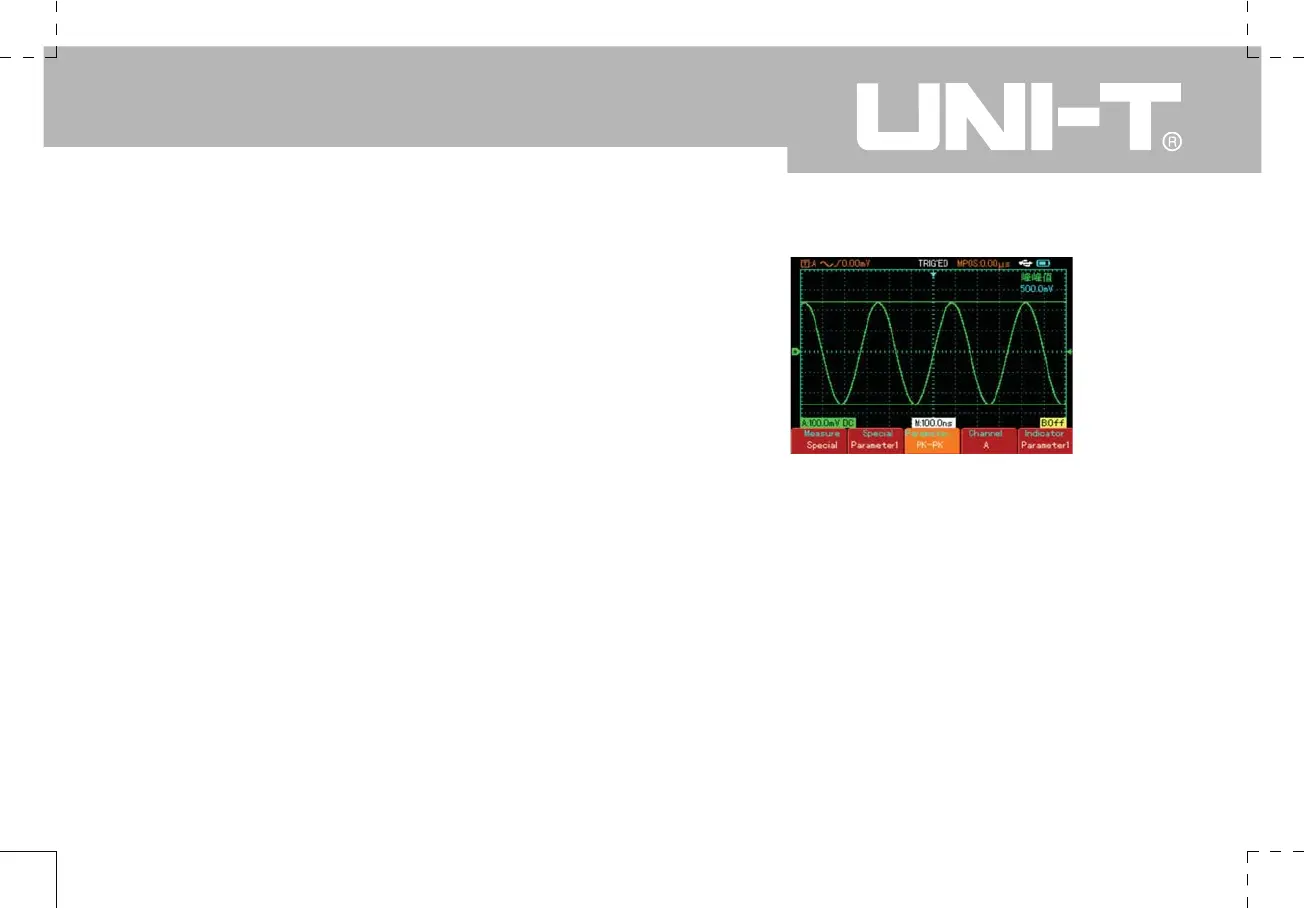
The peak-to-peak value is displayed in the top right
corner, as shown below :
Figure 2-22 Selected parameter measurement
Note : Customized parameters are for quick
parameter measurement. This device has 27
measurement parameters. In general use, the
user is not required to measure all parameters.
Only a few have to be tested. In this case, set the
parameters you require as customized parameters.
All such parameters will be displayed on the screen.


 To Next Page
 Loading...