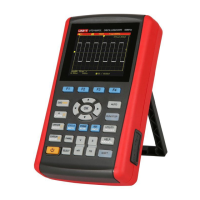
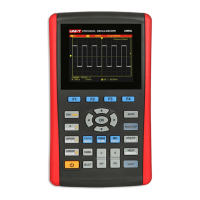
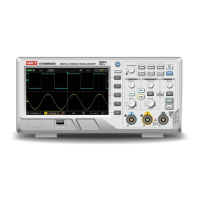
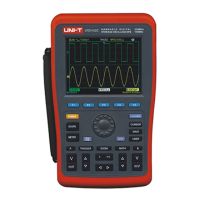
UTD1000 User Manual
Illustration 7 : Video signal triggering
To observe an individual video circuit, use the video
trigger function to obtain a stable display of video output
signal.
Video field triggering
To trigger in the video field, follow the steps below :
1.Press [TRIGGER] to display the trigger menu.
2.Press [F1] to set the type to video.
3.Press [F2] to set trigger source to A.
4.Press [F3] select PAL as the video standard.
5.Press [F4] to select odd field or even field
synchronization.
6.Adjust the horizontal time base for a clear waveform
display.


 To Next Page
 Loading...