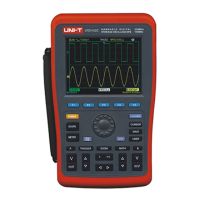
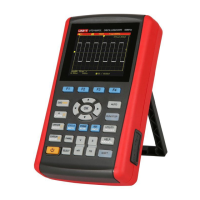
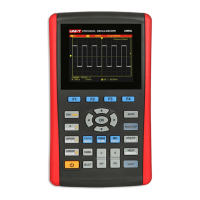
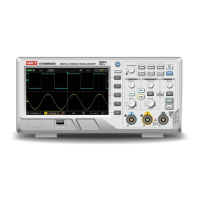
UTD1000 User Manual
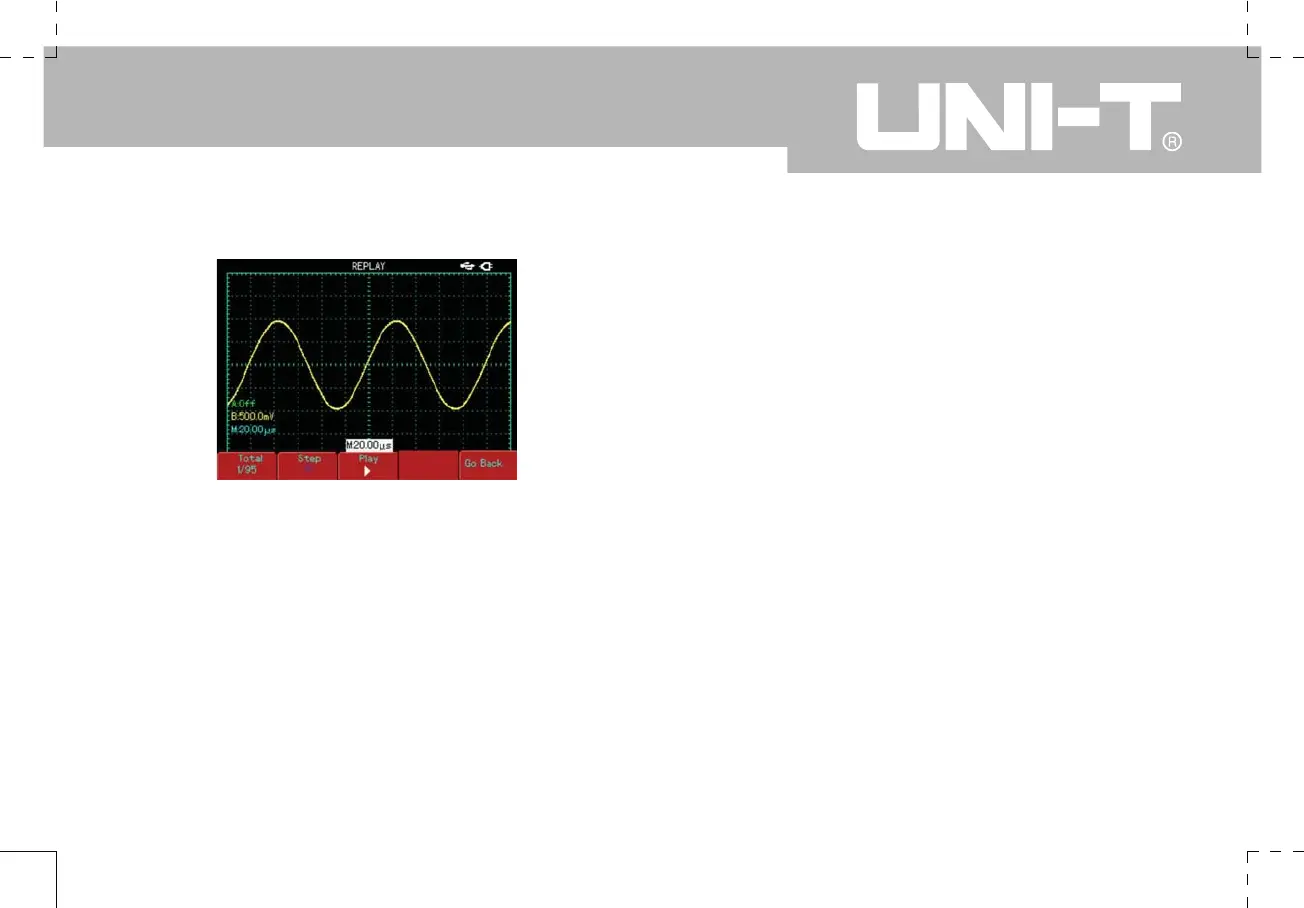
Figure 2-27 Recorded waveform replay
8. Cursor Measurement
Press [CURSOR] to display the cursor measurement
menu, then press [F1] to activate the cursor. The
[CURSOR] menu offers two cursor measurement
modes : voltage and time. When measuring voltage,
press [F2] on the front panel and the jog dial to adjust
the positions of the two cursors for
Ƹ
V measurement.
Likewise, by selecting time, you can measure
Ƹ
t.
Voltage/time measurement modes : Positions of cursor
1 and cursor 2 can be adjusted with the jog dial and [F2]
key. Press [F2] to make the cursor move in solid line,
then adjust it with the jog dial to a desired position. If
you require to move two cursors simultaneously, press
[F4] to turn the “Co-Movement” function ON.
The cursor measurement value is displayed in the top
left corner.


 To Next Page
 Loading...