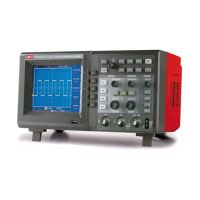
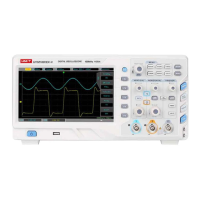
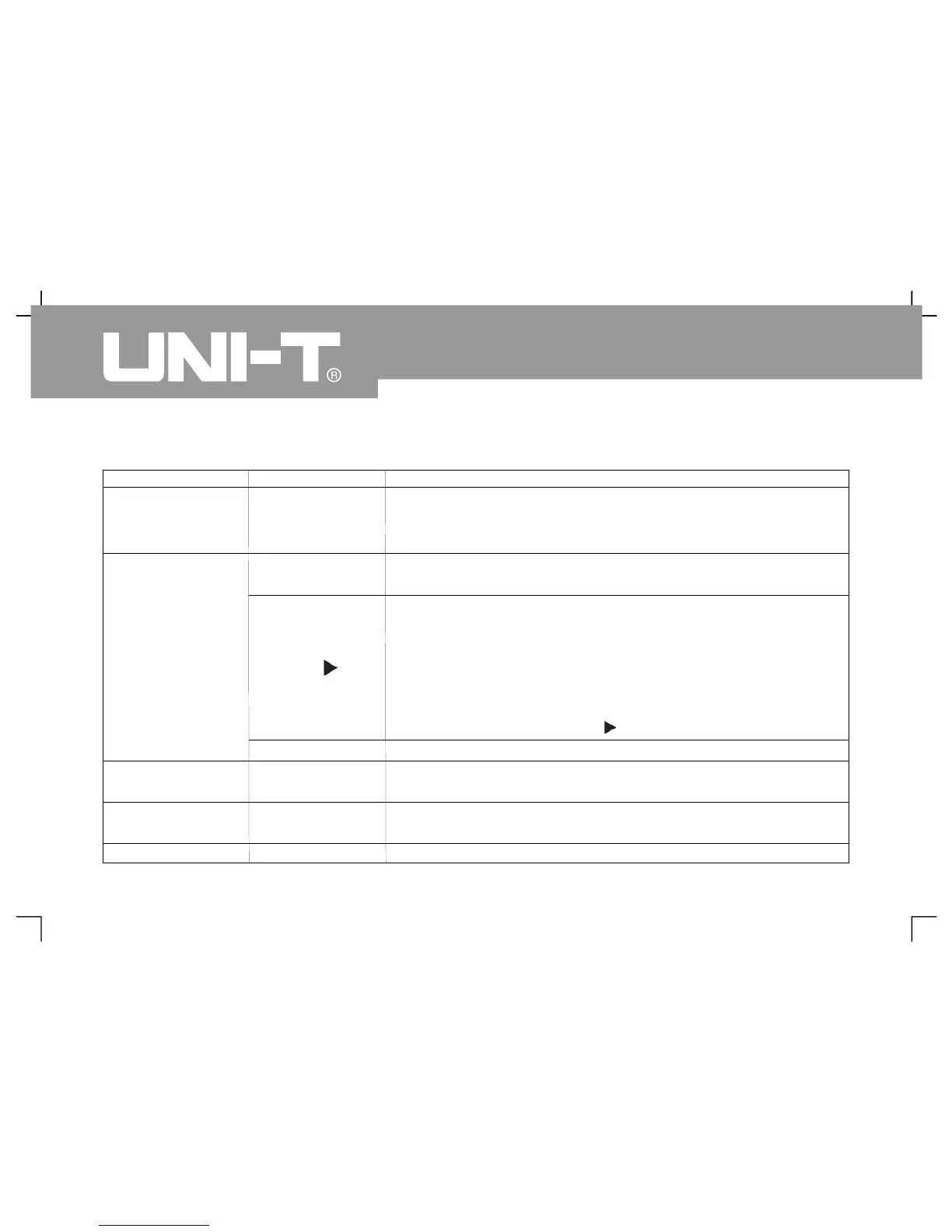
Form 2-22 Waveform recording m enu
5
Oper ating Man ual fo r UTD 2000/3000
Function menu
Setup Descriptio
Select CH1 as recording signal source
Select CH2 as recording signal source
Select ct CH1+CH2 as recording signal source
Record by pressing recording key for synchronous display of
recorded quantity in lower part of the screen
2. Press the key for playback and display of current playback
screen No. in lower right corner of screen. Playback can be
stopped by rotating multi-purpose knob controller in upper part
of panel. However, waveform of a certain screen can be selected
for repeated playback by continuing to rotate it
3Press to stop then press for playback of all items
Save newly recorded waveform for U disk plug-in. Storage
position can be selected by multi-purpose knob
Call out r eco rde d wa vef or m fr om U dis k th en s elec t re co rdin
posi tio n by mul ti -pur pose kno b
Return to previous level of menu



 To Next Page
 Loading...