15
CODE MEANING
10-1 Receiving poorly
10-2 Receiving well
10-3 Stop transmiting
10-4 OK - Understood
10-6 Busy - Stand By
10-7 Out of service - Leaving air
10-8 In service - Subject to call
10-9 Please repeat
10-10 Transmission completed - Standing by
10-13 Road advice - Weather conditions
10-20 What is your location?
10-33 Emergency trafc
10-36 Exact time
10-41 Switch to channel
10-62 Cannot receive - use phone
10-70 Fire at __________
10-200 Police needed at __________
EMERGENCY OPERATION
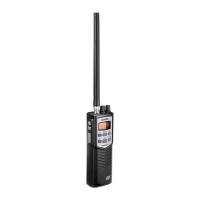
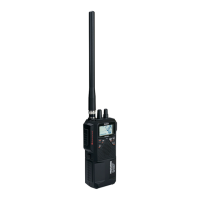
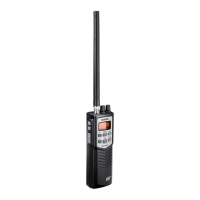
The Pro501HH provides instant access to emergency channels 9 and
19. Press 9/19 DUAL once for channel 9; press it twice for channel 19.
Press 9/19 DUAL a third time to return to the original channel.
DUAL WATCH
Dual Watch lets you monitor two channels at the same time for
incoming transmissions.


 To Next Page