EasyManua.ls Logo

UniPOS FS5200 - User Manual

UniPOS FS5200
69 pages
Print Icon
To Next Page IconTo Next Page
Loading...
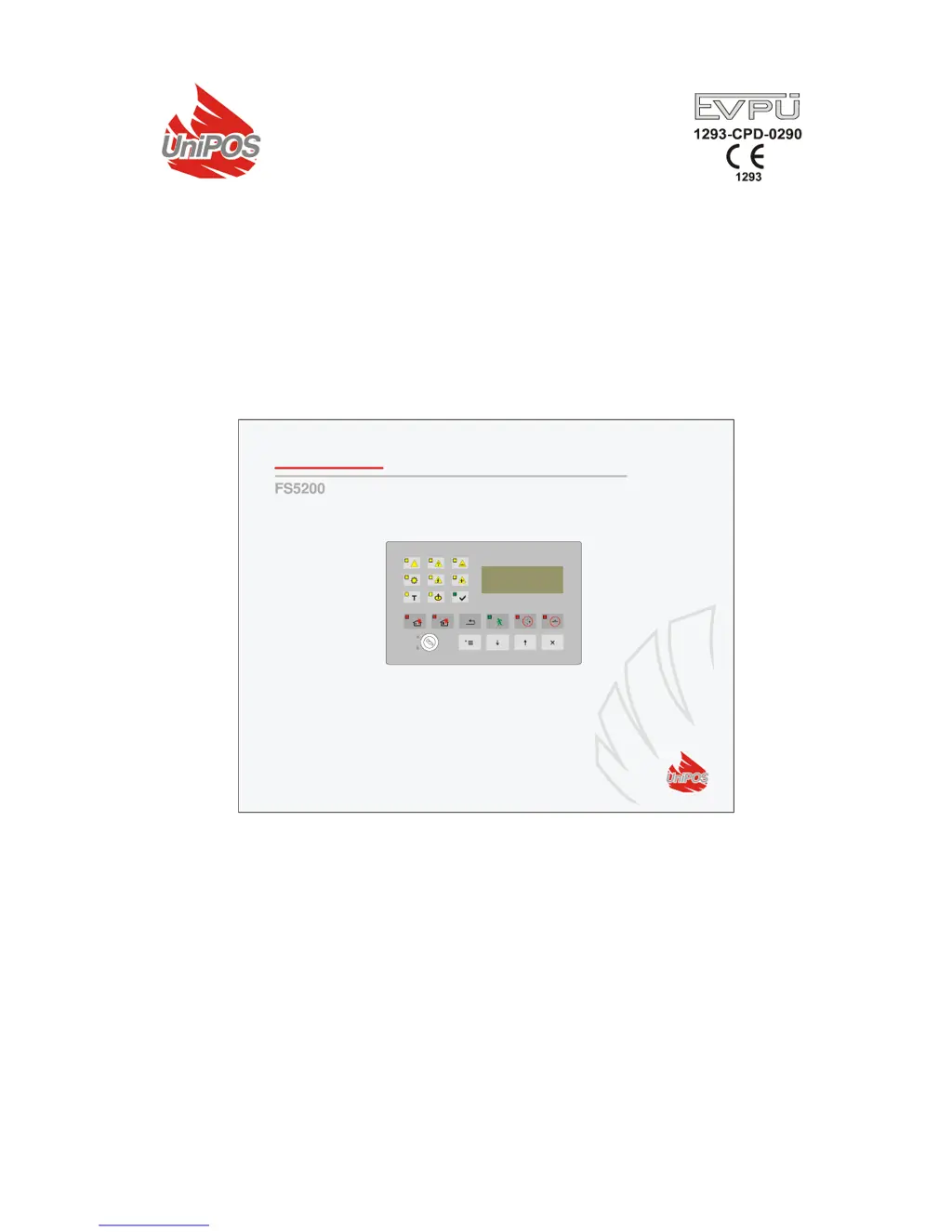
Fire Control Panel
FS5200
INSTRUCTION MANUAL
Revision 8/07.17

Table of Contents

Questions and Answers

  • J
    jacksonspencerAug 3, 2025
    What to do if there is a fault in the mains power supply of my UniPOS FS5200?
    • M
      Melissa MejiaAug 3, 2025
      If your UniPOS Control Panel indicates a fault in the mains power supply, first, try to restore the mains power. If the issue continues, replace the burnt fuse Fu1 – 4A.
  • M
    Mark JenkinsAug 10, 2025
    How to fix a fault in the backup battery supply of a UniPOS FS5200?
    • L
      Lynn TerrellAug 10, 2025
      To resolve a fault in the backup battery supply for your UniPOS Control Panel, first, ensure the backup batteries are correctly placed. If the problem persists, replace the batteries or replace the burnt fuse Fu2 – 4A.
  • X
    xriveraAug 17, 2025
    What to do if my UniPOS Control Panel shows a fault in a line?
    • K
      kpowellAug 17, 2025
      To fix a fault in a line of your UniPOS Control Panel, eliminate the fault. This could involve addressing a short circuit, interruption, or removed fire detector. In case of a removed fire detector, check for a short circuit in a component to a ground wire.
  • B
    bill11Aug 25, 2025
    How to troubleshoot a fault in a controllable output in UniPOS FS5200 Control Panel?
    • S
      Susan StricklandAug 26, 2025
      To correct a fault in a controllable output of your UniPOS Control Panel, eliminate the fault, such as a short circuit or interruption, in the controllable output's transmission path or the executive device. If there is an interruption, check for a short circuit in a component of the controllable output to the ground wire.

Summary

Introduction to UniPOS Fire Control Panel FS5200

Key Features and Capabilities

Overview of the panel's main features, including keypad operation, LCD visualization, and expandability.

Technical Terminology and Definitions

Understanding Access Levels

Details the four levels of access for operating and controlling the fire control panel functions.

Fire Condition Stage Definitions

Defines Fire Condition Stage I and Stage II, triggered by automatic detectors or manual call points.

Core Functions and Module Types

Panel Design and Operational Capabilities

Describes the panel's design for conventional fire detectors and its modular structure for variable configurations.

Module Types and Configurations

Details available modules (Basic, Additional) and their configurations for lines and outputs.

Physical Configuration of Modules

Module Configuration Options

Presents different physical configurations based on module combinations and their technical data.

Line, Output, and Performance Specifications

Fire Alarm Line Specifications

Specifies technical details for fire alarm lines, including detector limits and resistance.

Output and Performance Characteristics

Details controllable outputs, relay outputs, and panel performance features.

Event Indications and Power Supply

Indications of Registered Events

Covers how events are indicated via LED, LCD text messages, and sound signals.

Power Supply Requirements and Backup

Details mains voltage, frequency, backup battery types, and power consumption.

Contents and General Information

Package Contents and Module Details

Lists items included in the delivery and specific details for modules 5201, 5203, and 5204.

Access Levels and Control Functions

Explains the four levels of access for operating and controlling the fire control panel functions.

Control Functions and Logical AND

Indications and Control Buttons Overview

Details the visual and audible indicators for various conditions and the function of control panel buttons.

Logical AND Functionality for Lines

Describes the function that allows the panel to enter Fire condition based on two lines simultaneously.

Fire Control Panel Conditions

Conditions of the Fire Control Panel

Details the various conditions the panel can be in, with associated indicators and sound signals.

Operational Modes: Duty and Fire Condition

Understanding Duty Mode

Details the normal operating state of the panel, its indications, and keypad interaction.

Fire Condition Stages and Indications

Explains Fire Condition Stage I and II, their triggers, and associated LED/sound/text indications.

Pre-Fire Condition and Keypad Usage

Pre-Fire Condition Overview

Describes the Pre-Fire condition used for the 'Logical AND' function and its indications.

Keypad Usage in Fire and Pre-Fire Modes

Explains how to use the keypad buttons for controlling fire and pre-fire conditions.

Fault Condition Management

Fault Condition Description and Causes

Covers various fault types, their causes, and critical system fault handling.

Fatal System Faults and Battery Low

Details fatal system faults, new configuration errors, and battery low conditions.

Fault Condition Indications

LED and Sound Indications for Faults

Describes the LED and sound signals associated with different fault conditions, including low battery.

Text Messages for Fault Conditions

Explains the text messages displayed for fatal and non-fatal errors, including priority order.

Disabled Component and Test Modes

Disabled Component Mode Operation

Explains how components (lines/outputs) are disabled, their indications, and operational impact.

Test Mode Procedures and Indications

Details how to enter Test Mode, its operational changes, and how lines in test are indicated.

Information and Control Mode

Navigating Information and Control Mode

Explains how to access and navigate menus for information display and parameter control.

Menu Structure and Parameter Adjustment

Details navigation through menus like Faults, Disabled Components, and Status, and parameter adjustment.

System Function Menus

System Function Menu Options

Covers system functions like indicator checks, line current, mode settings, clock, and tests.

Setup Mode for Configuration

Accessing and Description of Setup Mode

Details accessing and using SetUp Mode for configuring panel parameters, including line and panel settings.

Menus within Setup Mode

Explains menus for Line parameters, Fire Panel parameters, and output adjustments.

Remote Control and Parameters

Remote Control Mode Operation

Describes the panel's operation when controlled by an external unit via serial interface.

Saving Parameters and Passwords

Explains how configuration parameters are saved and how to manage user passwords.

Installation and Safety

Labor Protection and Installation Requirements

Outlines safety regulations for installation staff and basic installation guidelines.

Periphery Device and Interface Connections

Explains how to connect periphery devices, interface units, and fire detectors to the panel.

Fire Panel Start Up and Connections

Fire Control Panel Initial Start Up

Provides steps for powering up the panel, connecting batteries, and initial configuration.

Connecting Fire Detectors and Power Supply

Details connections for fire detectors, power supply, and external modems.

Configuration Changes

Adding or Removing Additional Modules

Details the procedure for installing or removing additional modules like 5201, 5203, or 5204.

Changing Basic Module Configuration

Explains how to add or remove modules 5201, 5203, or 5204 to the basic module.

Troubleshooting Common Issues

Troubleshooting Guide by Trouble Type

Lists common troubles, their indications, and troubleshooting steps, including fatal faults.

Operational Conditions and Warranty

Conditions for Operation, Storage, and Transportation

Specifies environmental conditions for operation/storage and transportation requirements.

Product Warranty Information

Details the warranty period and conditions for the fire control panel.

Technical Appendices

Appendix 1: Front Panel Layout

Illustrates the front panel of the FS5200, labeling indicators, buttons, and display.

Appendix 2: Menu Structures

Provides hierarchical diagrams of the panel's menu system for navigation and function access.

Appendix 3: Assembly Diagram

Shows the internal assembly layout of the fire control panel, including modules and batteries.

Appendix 4: Module Terminals

Illustrates terminal connections for Basic Module, Additional Module, and specific module types (5201, 5202, 5203, 5204).

Appendix 5: Wiring Diagrams

Provides wiring diagrams for fire alarm lines, executive devices, and relay outputs.

Appendix 6: Module Mounting Diagrams

Illustrates connection diagrams for mounting additional modules.

Appendix 7: System Installation Diagram

Shows a diagram of the overall fire alarm installation based on the FS5200 control panel.

UniPOS FS5200 Specifications

General IconGeneral
BrandUniPOS
ModelFS5200
CategoryControl Panel
LanguageEnglish

Related product manuals