Go2 User Manual
© 2023 All rights reserved, Unitree Robotics 12
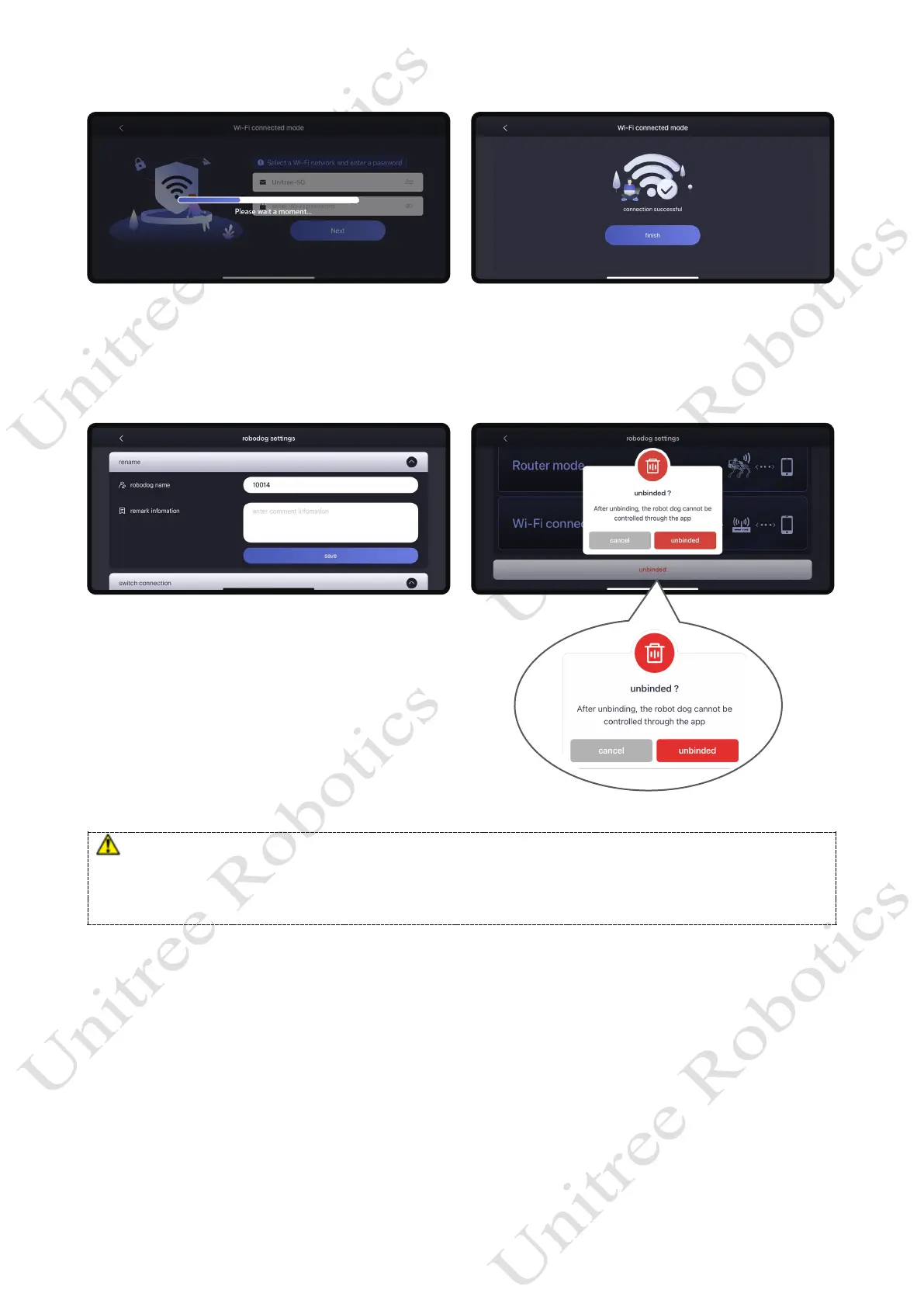
How to change the account binding?
Home page- Settings - Robot Settings - Switch Connection, choose to click Unbind, you can
unbind the bound robot dog. After the robot dog is unbound, it can be bound by other users.
a) Please keep your mobile phone's bluetooth on during connection!
b) Bluetooth connection error: Unitree Go App needs to get Bluetooth permissions, please open Unitree Go
Bluetooth permissions in the App.
c) If you forget your bound account, or if you lose your account, please contact the relevant Unitree staff!



 To Next Page