© 2023 All rights reserved, Unitree Robotics 17
6) Switching off Go2
Before switching off, please make sure that the robot is standing on a flat surface, and make sure
that the robot is in a static standing state (the robot body position is in the initial state on the power-
up, the body is horizontal, and the state is in the static standing state.
a) Operate the robot into the prone state;
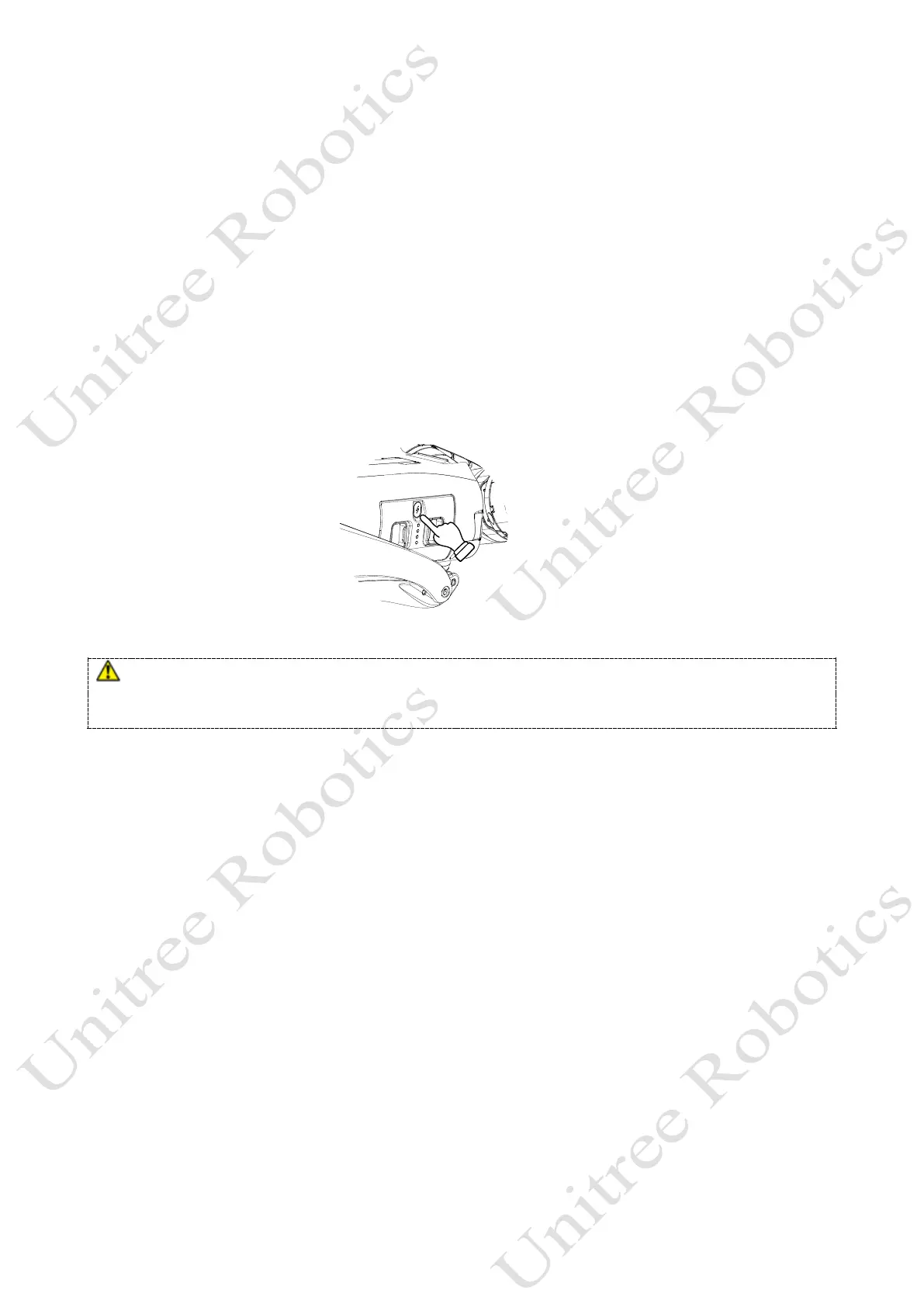
b) After the robot enters the prone state, short press the power button then long press the power button
for 2 seconds to switch off the robot.
After switching off the robot, please follow the body placement requirements and position Go2's
big and small legs and hip joints to prepare for the next start-up. If you do not use Go2 for a long time,
please remove the battery pack and follow the packing steps to put Go2 into the dedicated luggage.
Please make sure that the robot turned off in a damping state, otherwise the robot will fall heavily on the
ground after it is turn down and powered off, which may cause damage to the robot body and certain potential
hidden dangers! If the power on fails, please check if the robot body is placed correctly.
Long press+short press for 2 seconds



 To Next Page