© 2023 All rights reserved, Unitree Robotics 13
5) Go2 Operate your Go2
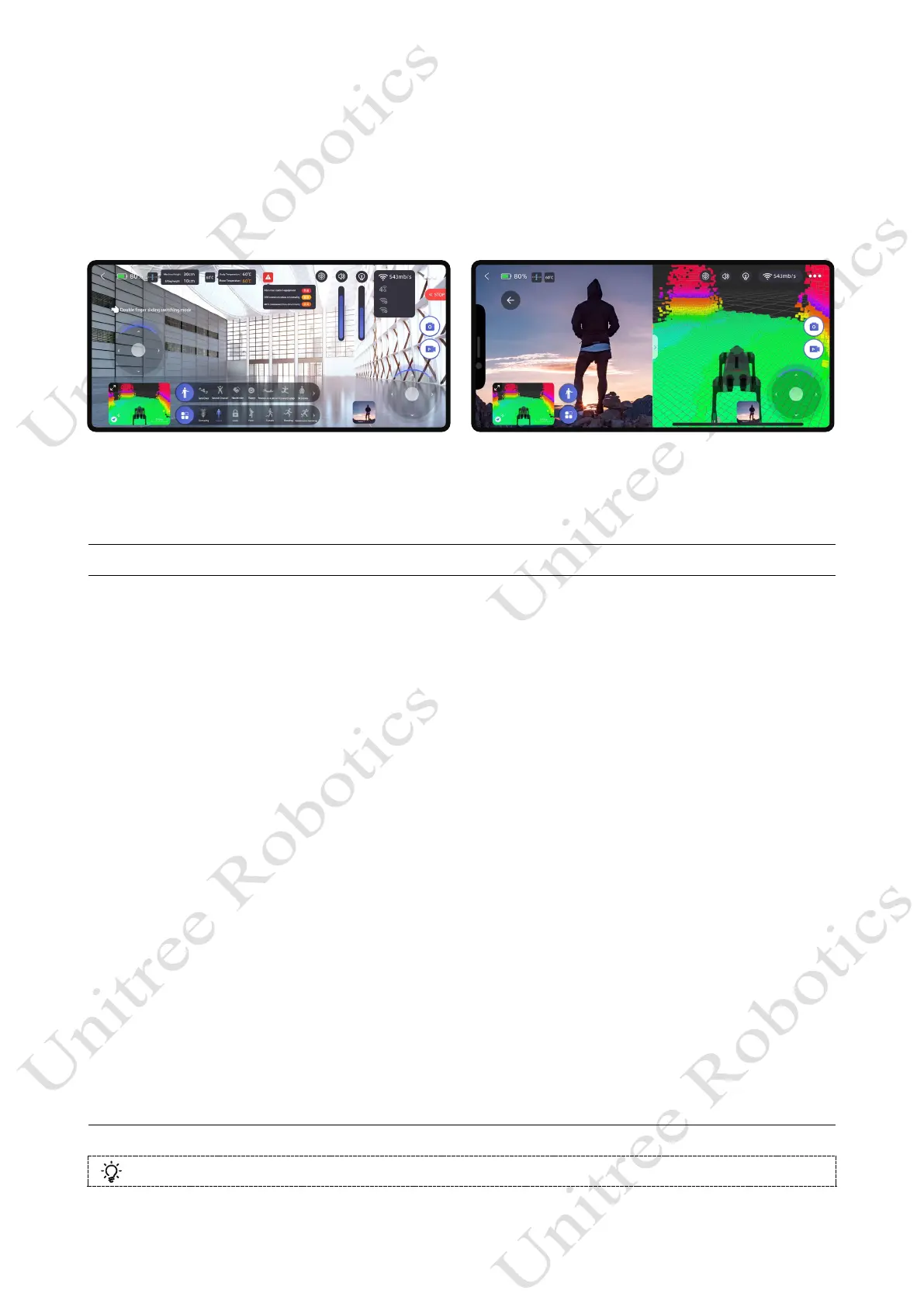
Use the Unitree Go App to control your Go2
After completing the built-in tutorial in the Unitree Go App, you can use the app to control your
Go2 as you want.
Use voice control Go2
Go2-EDU has a built-in voice module. You can use the following voice commands to control
Go2 to complete the corresponding actions.
Type Phrase Voice response Corresponding action
Wake up Hey Benben I’m here.
Command word Turn up the sound Yes sir. Adjust volume.
Command word Turn down the sound OK sir. Adjust volume.
Command word Show me a dance OK, let's dance! Dance.
Command word Wiggle Butt As you wish. Perform a wiggle.
Command word Bow with hands Wish you good luck! Stand up and bow.
Command word Lock Yes, sir. It's done. Stop the movement and get locked.
Command word Unlock OK, now I can move. Get Unlocked.
Command word Move forward No problem.
Unlock and start motion mode to
advance for 2s.
Command word Climbing mode I'm climbing now. Start stair climbing mode.
Command word Running mode I'm the Flash. Start run mode.
Command word Turn on obstacle avoidance Yes sir. Start obstacle avoidance.
Command word Turn off obstacle avoidance No problem Stop obstacle avoidance
Command word Roll over I'm rolling Stop rolling.
Command word Stretch yourself What a sunny day! Stretch
Command word Shake hand OK sir
Stop moving and lift the
front legs to shake hands
Command word Lie down I‘m tired/I'm sleepy
Stop moving, first switch to standing
low, then enter damping mode
Command word Stand up Let's go! Stand up and lock on
……
Visit the Unitree Go App-Go2 Voice Phrase for more !



 To Next Page