© 2023 All rights reserved, Unitree Robotics 15
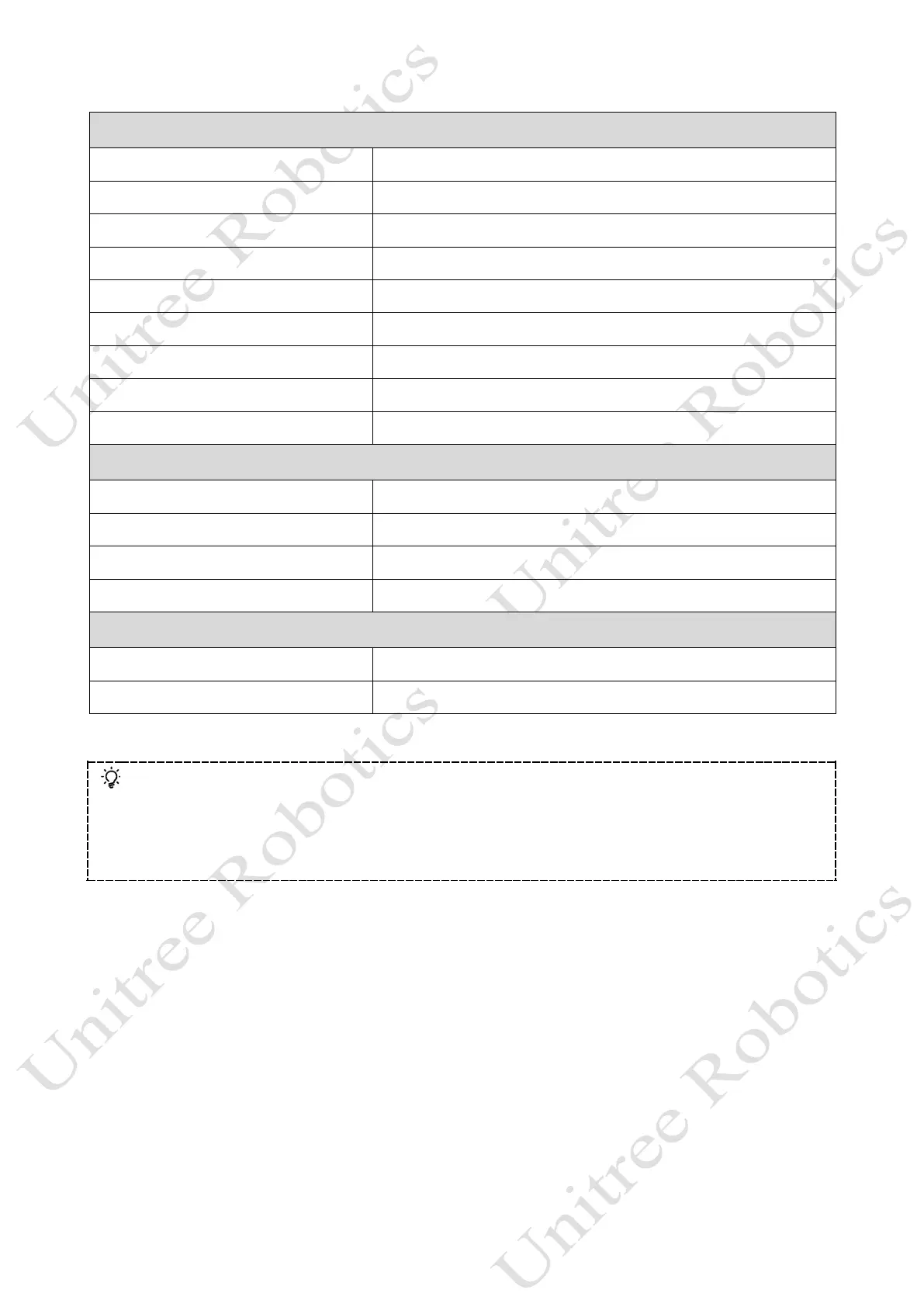
Customised Movements
L2 (Long Press) + X (Click) Back to stand up after falling down
R2 (Long Press) + A (Click) Stretch
R2 (Long Press) + B (Click) Shake hands
R2 (Long Press) + Y (Click) Cheer
R1 (Long Press) + X (Click) Punch
R1 (Long Press)+ A (Click) Jump Forward
R1 (Long Press)+ B (Click) Sit down
L1 (Long Press)+ A (Click) Dance 1
L1 (Long Press) + B (Click) Dance 2
Function
X (Click) Avoidance on (Default)
Y (Long Press for 3s) Avoidance off
L2 (Click) + SELECT (Click) Searchlight Switch - Default Off
Arrow keys left and right Light switch-default green
Parameter settings
L1 +Arrow keys up/down Adjust leg lift height
Arrow keys up and down Adjust body height
Please visit Unitree Go App to trigger more athletic modes!
a) Moon walk: Can only be triggered by the App, not supported by handheld remote control.
b) Side Step Mode: Can only be triggered by the App, not supported by handheld remote control.
c) Cross step mode: Can only be triggered by the App, not supported by handheld remote control.
d) Parallel leg running mode: Can only be triggered by the App, not supported by handheld remote control.



 To Next Page