MSC-400 Reference Manual
Rev 4
40
8. Sequentially press the NUMERIC BUTTONS for the channel being cond (502). As ‘0’ and ‘2’ are
pressed the INTERSTEP DELAY is automatically inserted into the FAVORITE CHANNEL SMART
MACRO.
NOTE - Some Cable Boxes and Satellite Receivers require a ‘0’ or ‘00’ before double or single
digit channel numbers and others may require an ‘Enter’ Command. Be sure to add ‘0s’ and
‘Enters’ when necessary.
9. Repeat STEPS 7-8 for each FAVORITE CHANNEL SMART MACRO in the List.
10. Click the CLOSE BUTTON, (X) when all FAVORITE CHANNEL MACROS have been programmed.
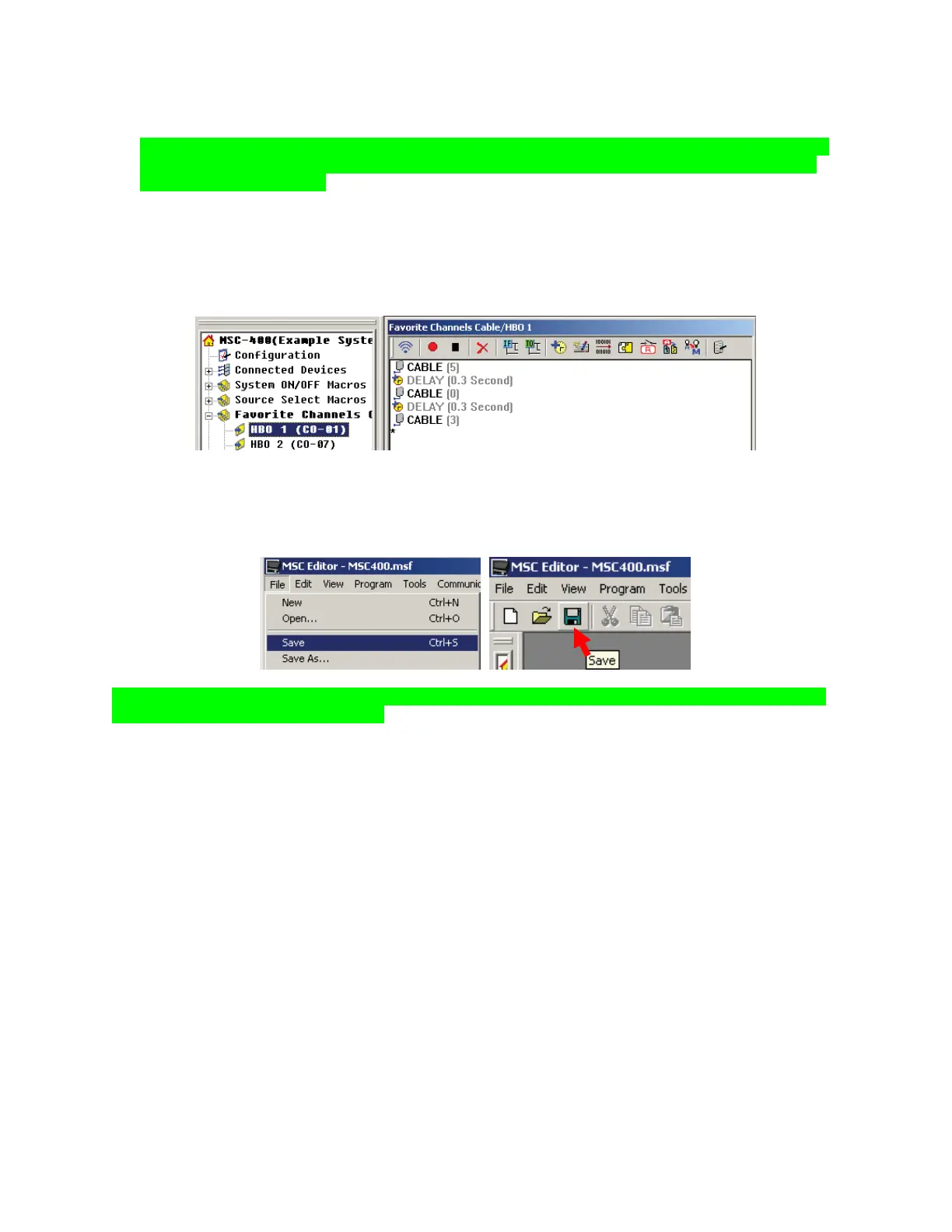
11. To TEST, in TREE VIEW, click the ‘+’ next to FAVORITE CHANNELS GROUP to expand the list and
click a SMART MACRO in the list. The macro will appear in the SMART MACRO WINDOW.
12. With the PC connected to the MSC-400 USB1 PORT, click the TEST BUTTON in the SMART
MACRO WINDOW.
13. Make corrections to macros if needed.
14. To SAVE, do either of:
a) In the MSC EDITOR MENU BAR, click FILE, then click SAVE.
b) In the MSC EDITOR TOOL BAR, click the SAVE ICON.
TIP - The Favorite Channel Tool can also be used to insert sequences of channel commands and
Interstep Delays in any Smart Macro.
11
12



 To Next Page