24Index > Basic concepts 24
> Digital.ID™ Control Panel
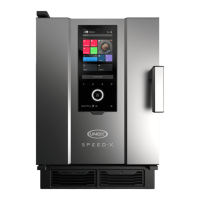
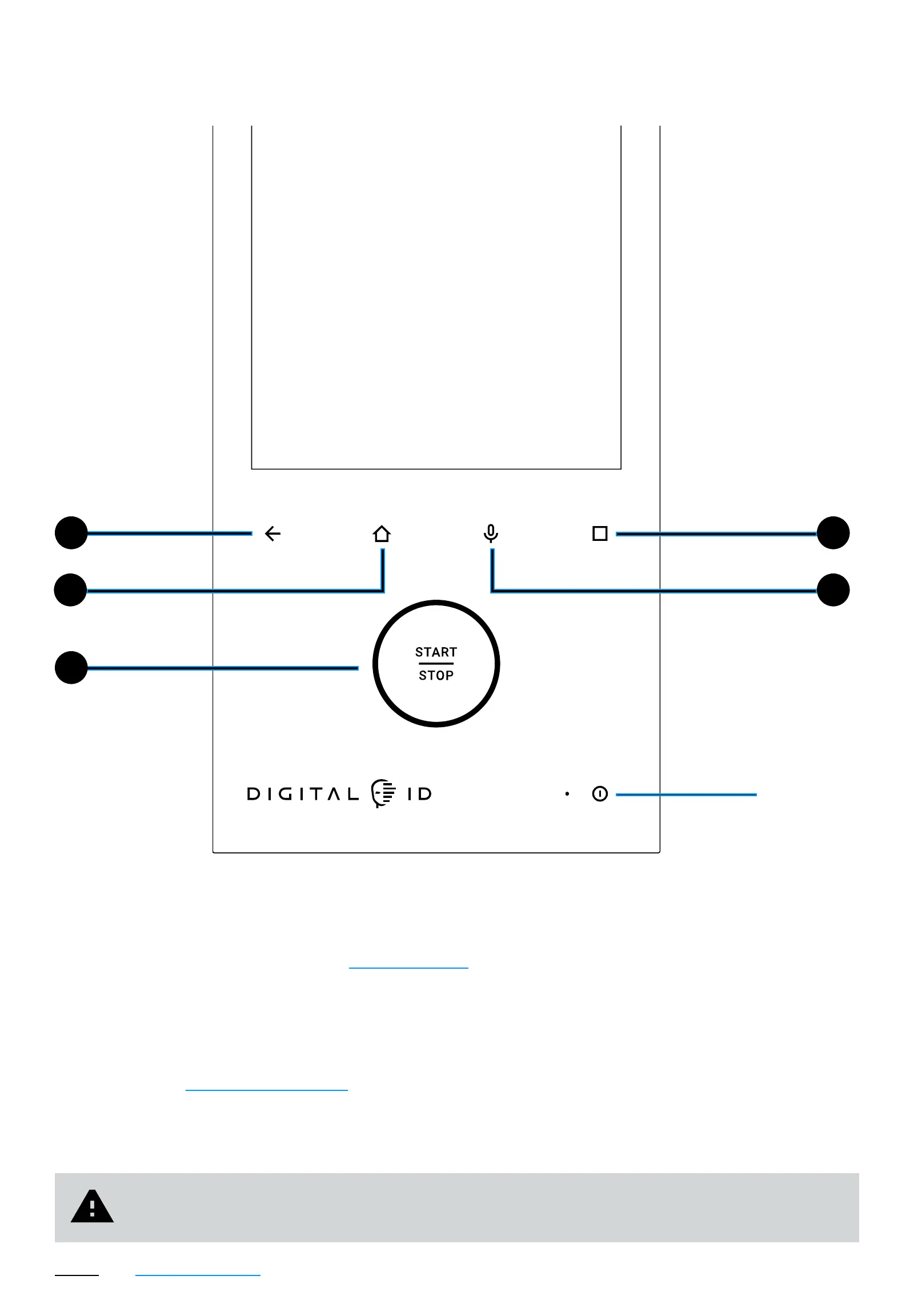
Control panel
1
3
4
52
1
2 Home go to the Home Page;
3 Start/stop start or stop an activity in progress;
4 Custom
page on system settings;
5 Voice activate the internal microphone for voice commands and
to communicate with UNOX operators and Chefs during calls.
6 turn the touch panel on or off.
Be careful, the
the oven from the power supply. It is still live until its plug is taken out.
ON/OFF


 To Next Page
 Loading...