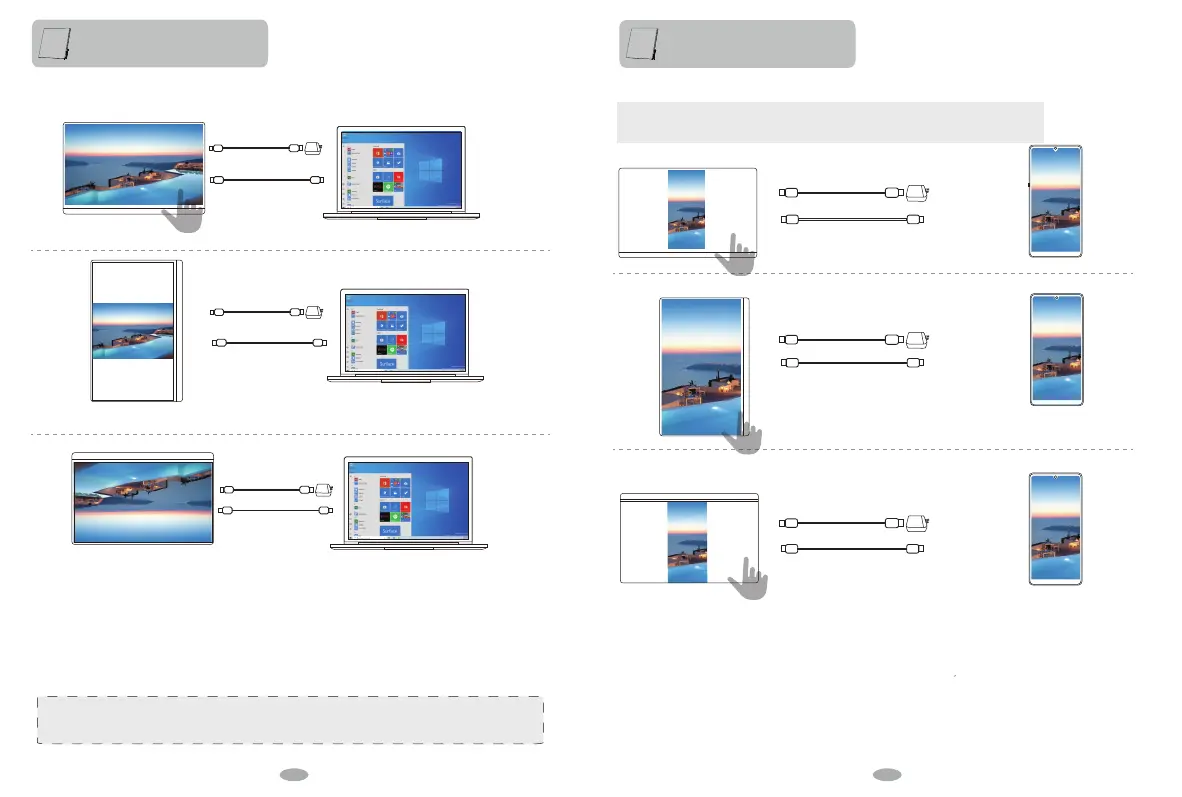
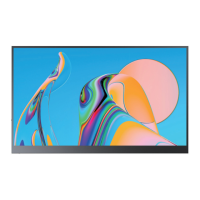
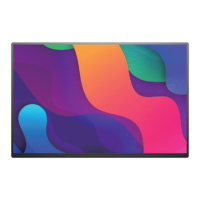
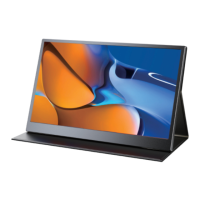
2. Connect to computer with Type-C interface which supports Thunderbolt3 interface
Extend Mode
When One Type-C to Type-C cable connect computer, the monitor automatically adjusts the contrast,
brightness and volume to enter the energy saving mode. In order to stabilize the voltage and increase the
contrast, brightness and volume, please use the packaged power adapter to supply power.
Function introduction
Function introduction
Macbook 12"、Macbook 13" 2017、MacbookPro 2016/2017/2018、New Macbook Air 2018、iPad Pro 2018 ChromeBook Pixels、PielBook Pen、
MagicBook、YogoC930、Yogo 5 Pro、Yogo 6 Pro、ThinkPad XI Carbon2017、Miix 720、Legion Y7000/Y7000P/Y7000K、XPS13、XPS15、
G3/G5/G7、Inspiron 5000/7000、Pavilion X2、EliteBook Folio G1、EliteBook 1050、G1 Microsoft Surface Book2、Matebook D、 Matebook X、
Matebook X Pro、Matebook E、Matebook 13
Continuous update...
PC which supports Thunderbolts 3:
Rotate ± 90 °
Type-C to Type-C
Front
Rotate ± 90 °
Rotate 180 °
External power is required when power is insufficient.
4K models require more stable voltage or above PD Power.
External power is required when power is insufficient.
4K models require more stable voltage or above PD Power.
External power is required when power is insufficient.
4K models require more stable voltage or above PD Power.
External power is required when power is insufficient.
4K models require more stable voltage or above PD Power.
Type-C to Type-C
Type-C to Type-C
Type-C to Type-C
Front
External power is required when power is insufficient.
4K models require more stable voltage or above PD Power.
Type-C to Type-C
Rotate 180 °
External power is required when power is insufficient.
Type-C to Type-C
3. Connect to phone with Type-C interface which supports USB3.1 interface
Phone Mode
Phone and monitor on the same screen.Dual screen shows mobile content simultaneously.
10 11


 To Next Page