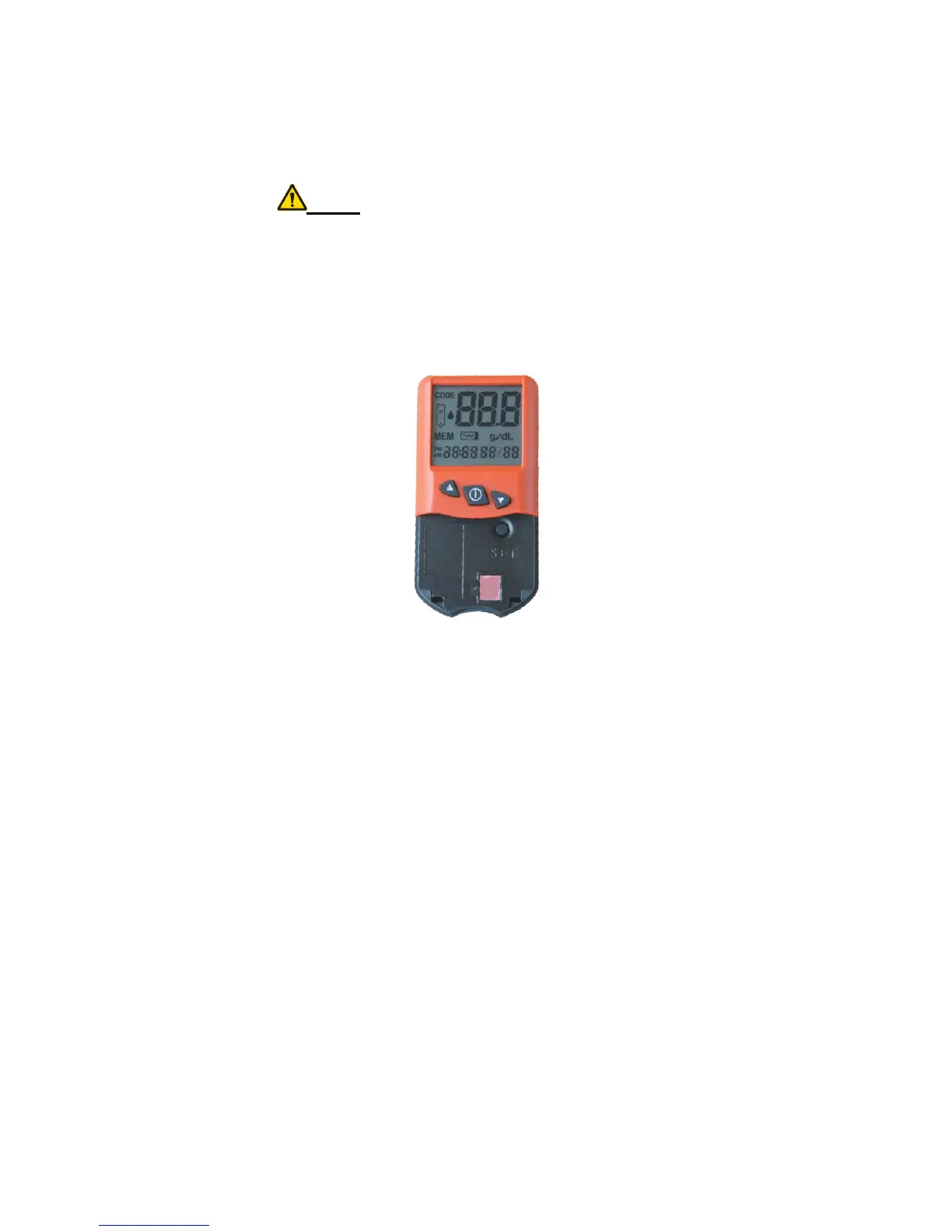
and date in a 12-hour AM/PM time clock
with mm/dd date format or in a 24-hour time
clock with dd/mm date format.
Note: The date format only contains day
and month, not including year.
Step 1: Press the SET key once, the date
and time will display. Press and hold the
SET key again until the time and date flash.
Step 2: Press the ▲ or ▼ key to select date
format.


 To Next Page