al detector. After cleaning, put the strip hol-
der and display in a level, and press arc se-
gment, the holder could be set back.
2. Battery replacement
Open the battery cover, take the batte-
ry out of gap, replace two new CR2032 bat-
tery, cathode is facing down, insert it into
battery container, and press it down, close
the cover.
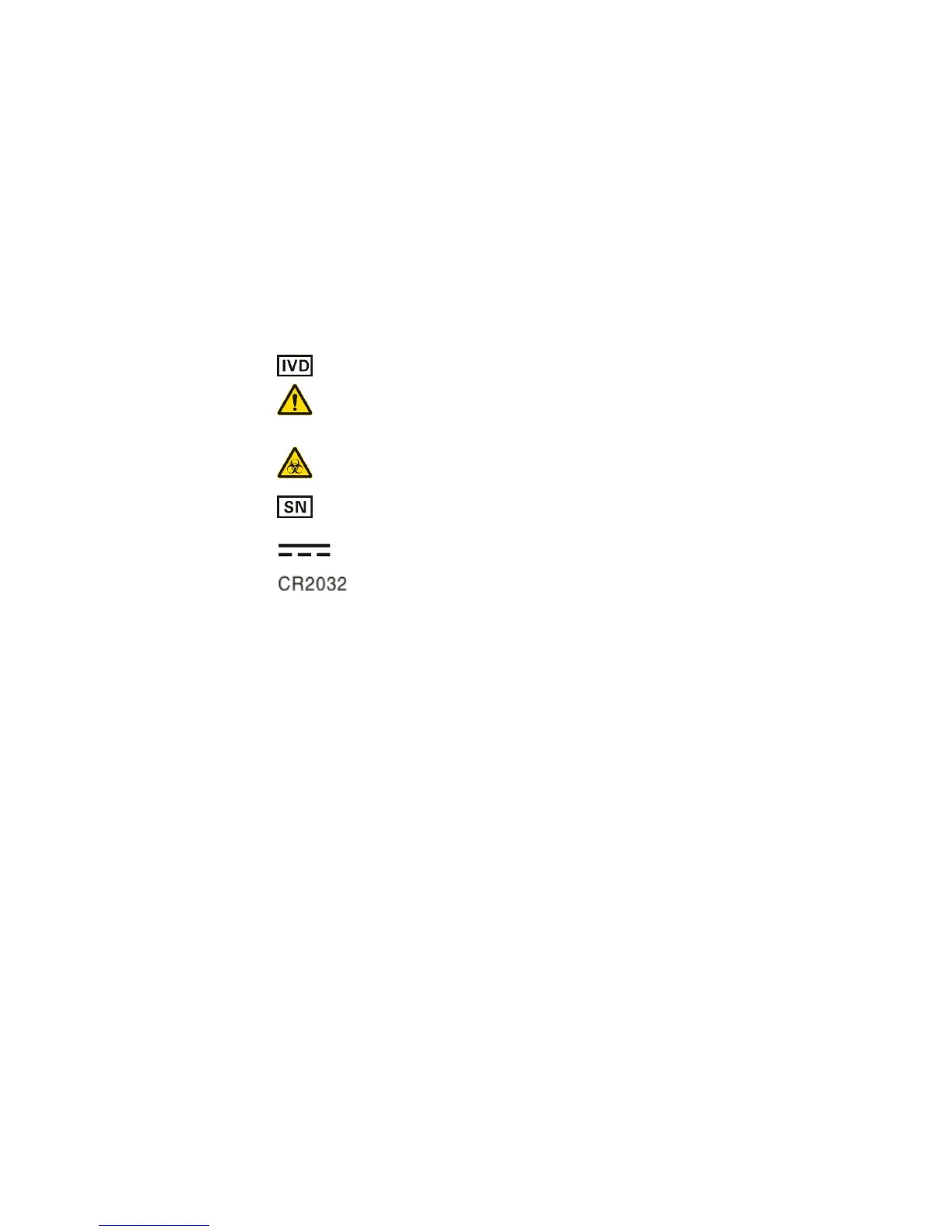
Chapter 10: Meaning of Markings
In vitro diagnostic medical device
Caution! Refer to accompanying
documents
Biological Hazard
Serial number
Direct current
Use CR2032 as power supply


 To Next Page