7
DS1717-056
WIRING INSTRUCTIONS
RJ45 Ethernet Cable
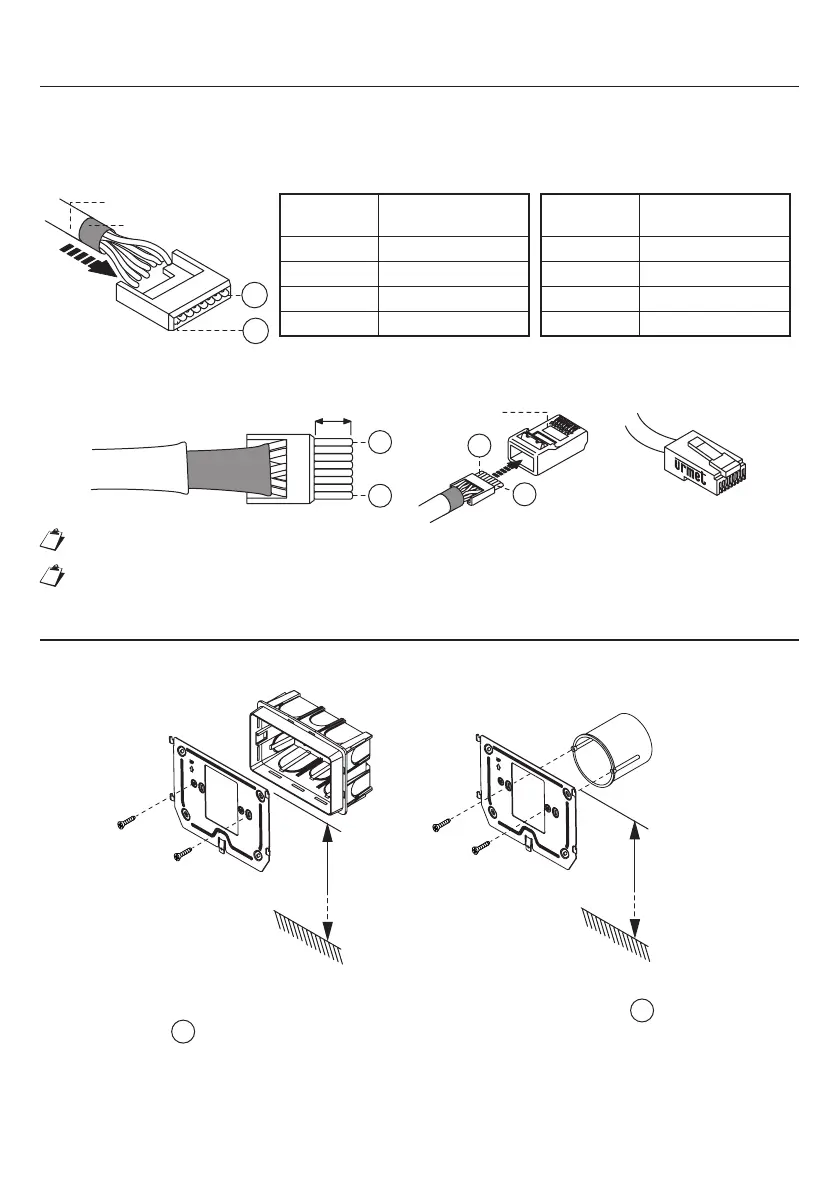
The Ipercom system is developed for to work with the EIA/TIA 568B standard.
Plug the cable into one of the RJ45 connectors with the Urmet logo.
Insert the wire in its guide, according to the provided colour code (Standard T568B).
Black sheath
8
1
Wire
No.
Cable colour
1 White-Orange
2 Orange
3 White-Green
4 Blue
Wire
No.
Cable colour
5 White-Blue
6 Green
7 White-Brown
8 Brown
Grey sheath
Cut the cables so that they protrude from the guide by about 5 mm, insert the guide in its plug and crimp
with the specially provided tool.
Plug
8
1
~ 5 mm
8
1
Make sure that the grey sheath stays inside the plug.
This type of connection will NOT guarantee double insulation.
INSTALLATION
It is possible to fi x the wall bracket by using a 503 box and the supplied screws, or a Ø 60 box with suitable
screws.
1,50 m
Box
503
1,50 m
Box
Ø 60 mm
Connect any panic function, additional ringtone and fl oor call leads to the connector wires.
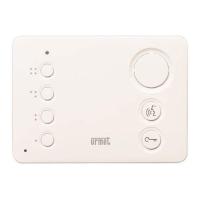
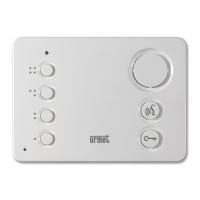
Move the video door phone close to the bracket by centring the special fi xings
1
and slide it down to
reach its stop
2
(see the following image).
•
•
•
•
•



 To Next Page