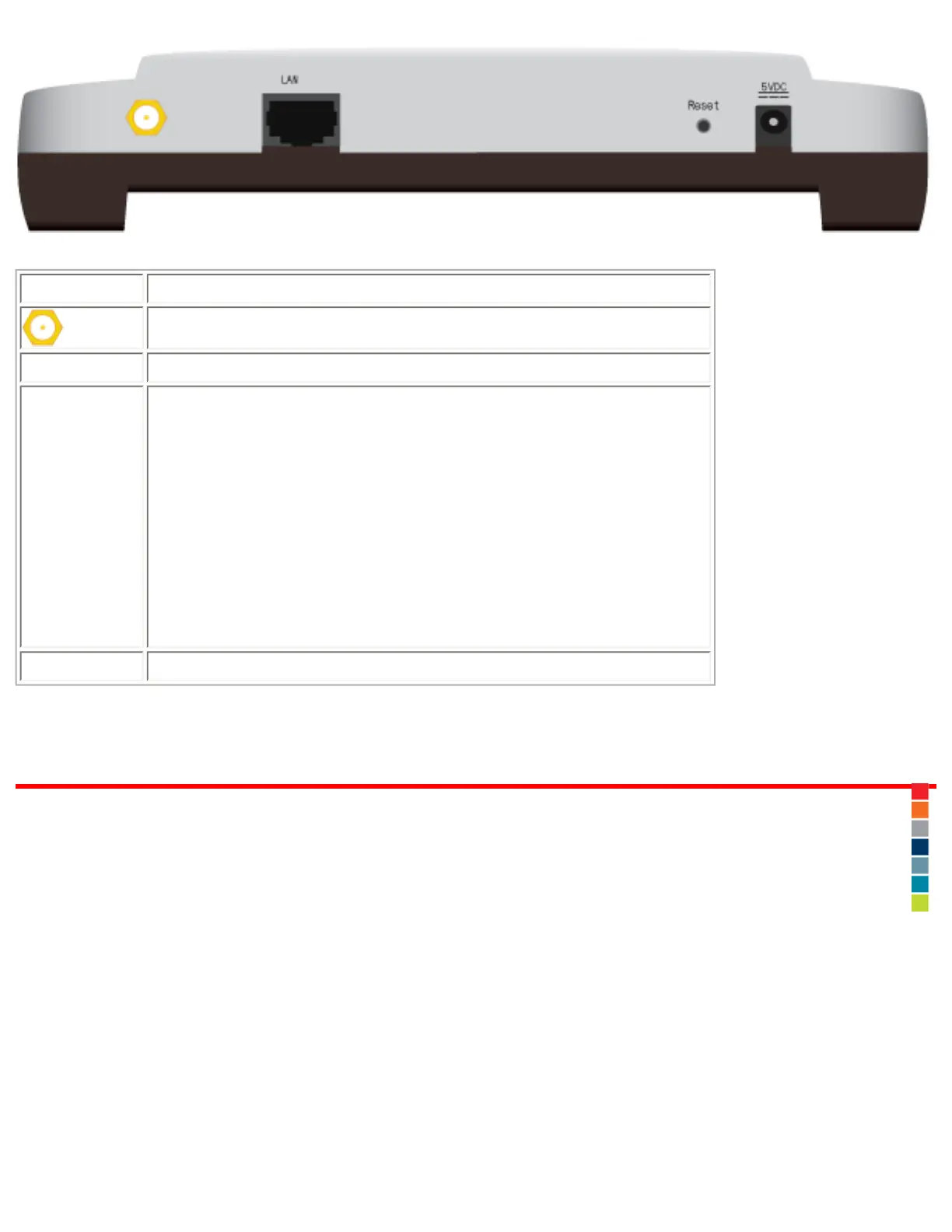
Item Function
Connects an antenna to the access point.
LAN
Connects the access point to a networking device.
Reset
Reboots your access point or restores your access
point to its factory default settings.
● To reboot your access point without changing
your current settings, press and hold the Reset
button for 1 second.
● To restore your access point to the factory
default settings, press and hold the Reset button
for 7 seconds.
5VDC
Connects the power adapter to your access point.
© 2007 U.S. Robotics Corporation
R46.1703.00
rev 0 04/07
file:///G|/CSO/T-Writer%20Repository/Networking/5455%20MAXg%20CR%20AP/Regulatory%20Preview/index.html (3 of 3)4/24/2007 5:15:18 PM



 To Next Page