Wireless MAXg Access Point:
User Guide
Device Settings
In the access point configuration pages, the Device page lets you access some of the basic
settings of the access point and perform administrative functions.
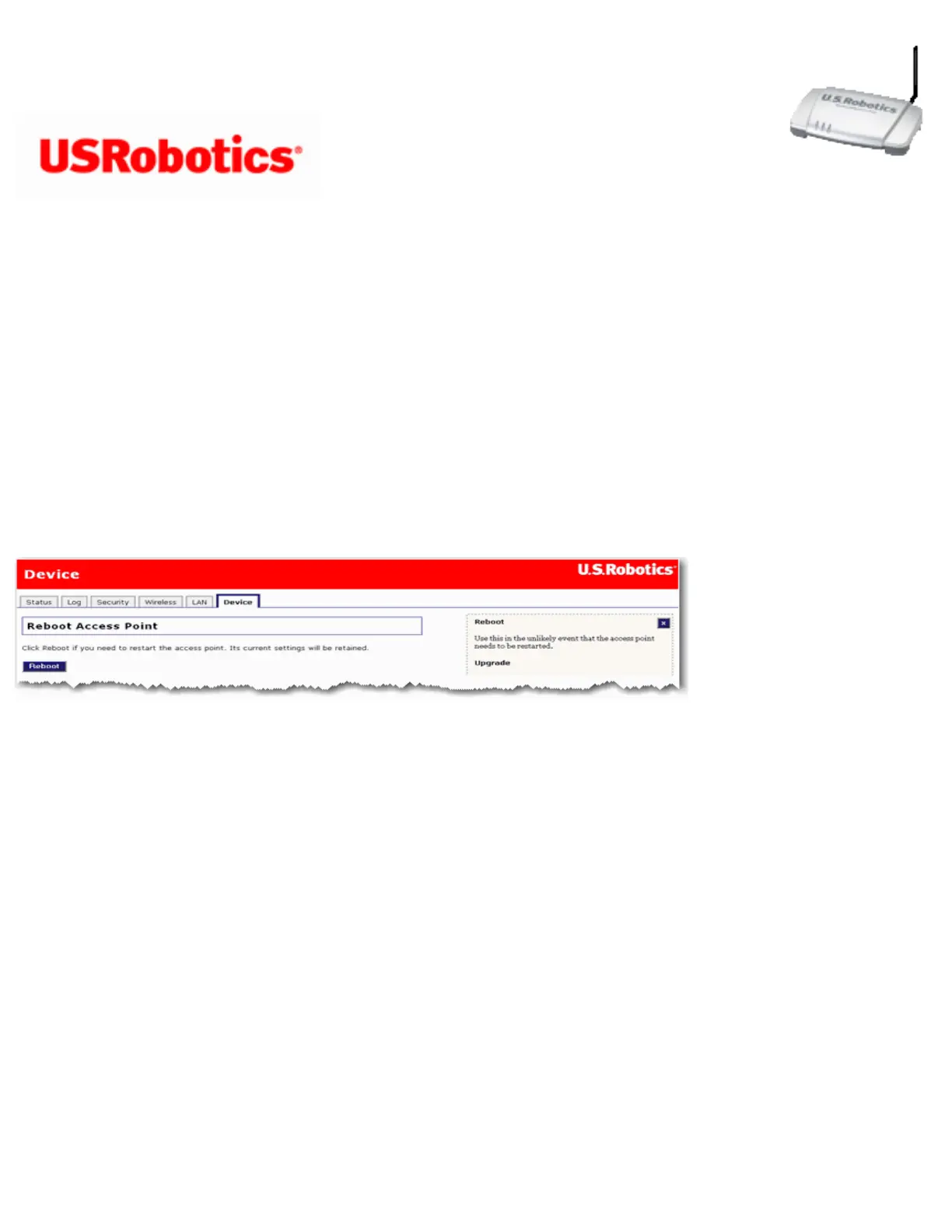
Reboot Access Point
If the access point is not functioning properly, you can click Reboot to restart the access
point.
Upgrade Access Point
Firmware updates may be available on the USRobotics website to upgrade your device with
new or improved features. If you are experiencing problems with your device, you may
want to check for firmware updates.
file:///G|/CSO/T-Writer%20Repository/Networking/5455%20MAXg%20CR%20AP/Regulatory%20Preview/device.html (1 of 4)4/24/2007 5:15:54 PM



 To Next Page