Wireless MAXg Access Point:
User Guide
Wireless Settings
In this section you can change the wireless network settings of the access point.
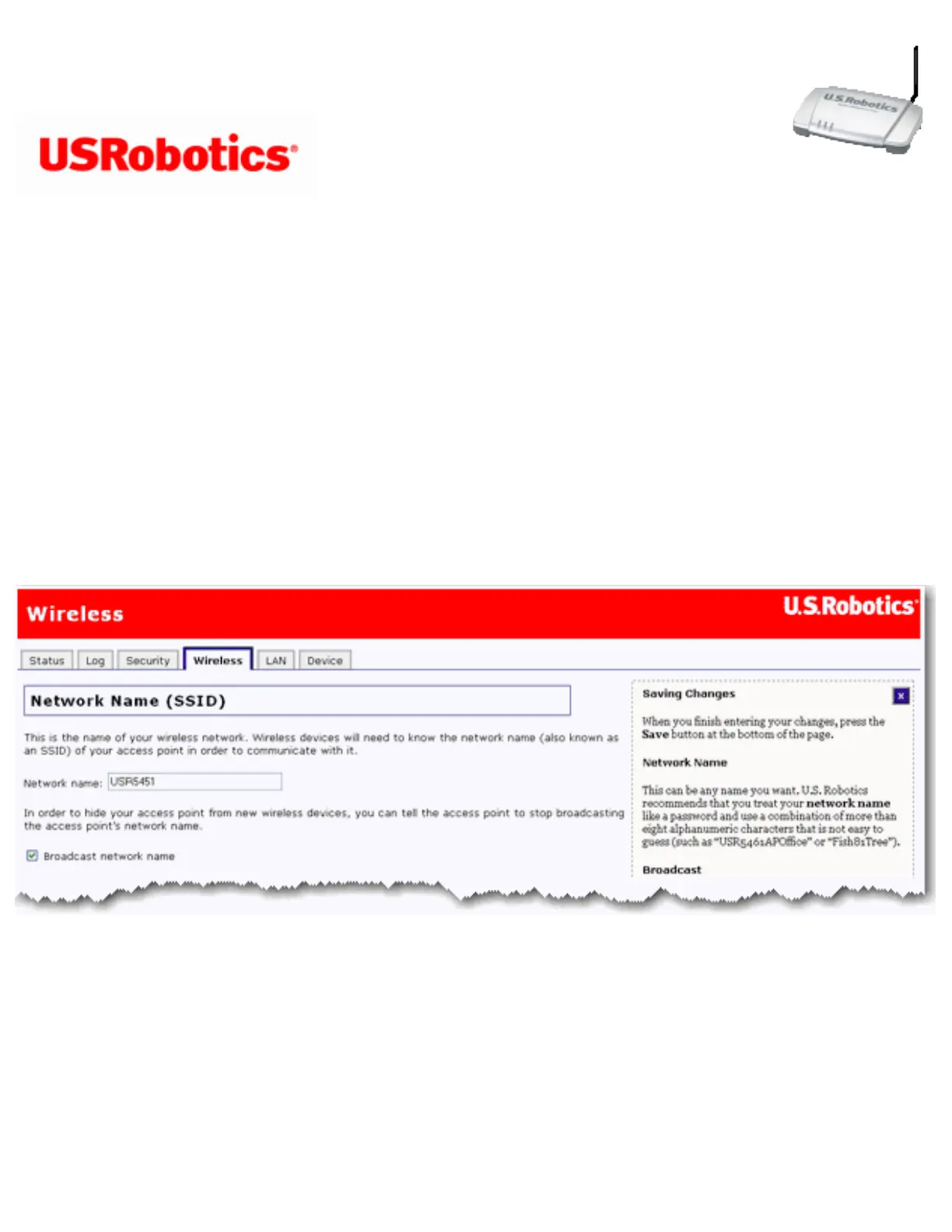
Network Name (SSID)
Wireless clients use the Network name (SSID) to connect to your access point.
The default Network name of the access point is USR5455. If you have more than one
Wireless MAXg Access Point and want to use each independently, you must configure a
unique Network name for each access point.
Select Broadcast network name if you want wireless devices to be able to detect your
access point when they perform a site scan.
If you deselect Broadcast network name, wireless devices will not be able to detect your



 To Next Page