wireless network during a site scan. Devices will have to manually enter the Network Name
(SSID) of your access point to connect.
WDS Restrictions
WDS lets access points and wireless routers communicate with one another wirelessly,
effectively creating a bridge between multiple networks. By connecting an access point or
wireless router to each network and enabling the WDS feature, you enable wireless clients to
roam throughout the range of both networks.
The access point and the other wireless networking device must have the same channel,
network name (SSID), and wireless security settings. Each device must have the MAC
address of the other device in its WDS Restrictions table.
With this type of wireless network, throughput may be reduced across the bridge. Therefore,
bridged routers or access points that also allow wireless clients to connect to the network
should not be used for high-volume traffic. Examples in which bridging may be useful include
providing network access to parts of a building that cannot be connected using wires, or
providing short-term network access to a conference area.
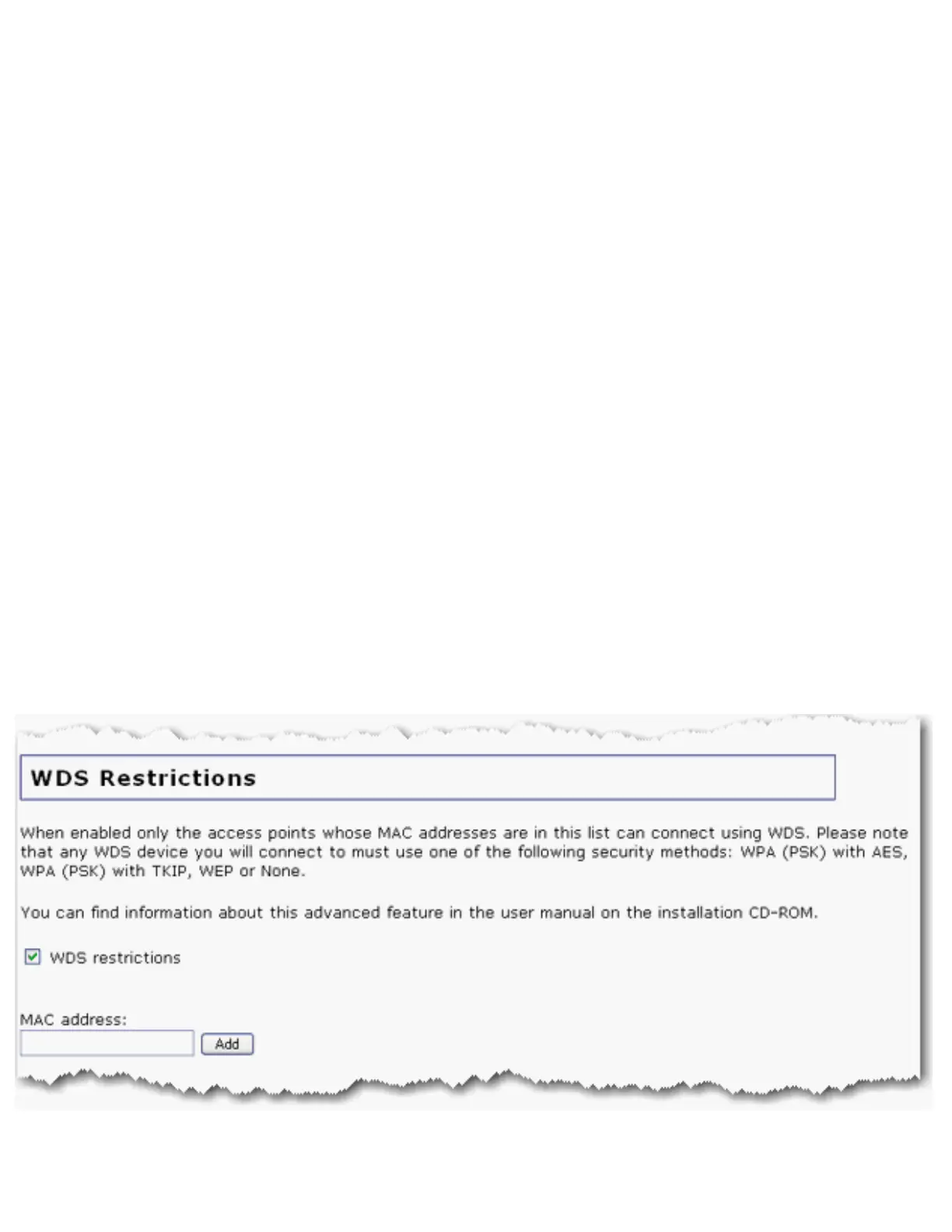
You can set restrictions for devices that connect through WDS (Wireless Distribution
System). These restrictions apply only to devices that connect through WDS, not to all
wireless devices that connect to the access point.
If you select WDS restrictions, you must enter the MAC addresses of the wireless routers



 To Next Page