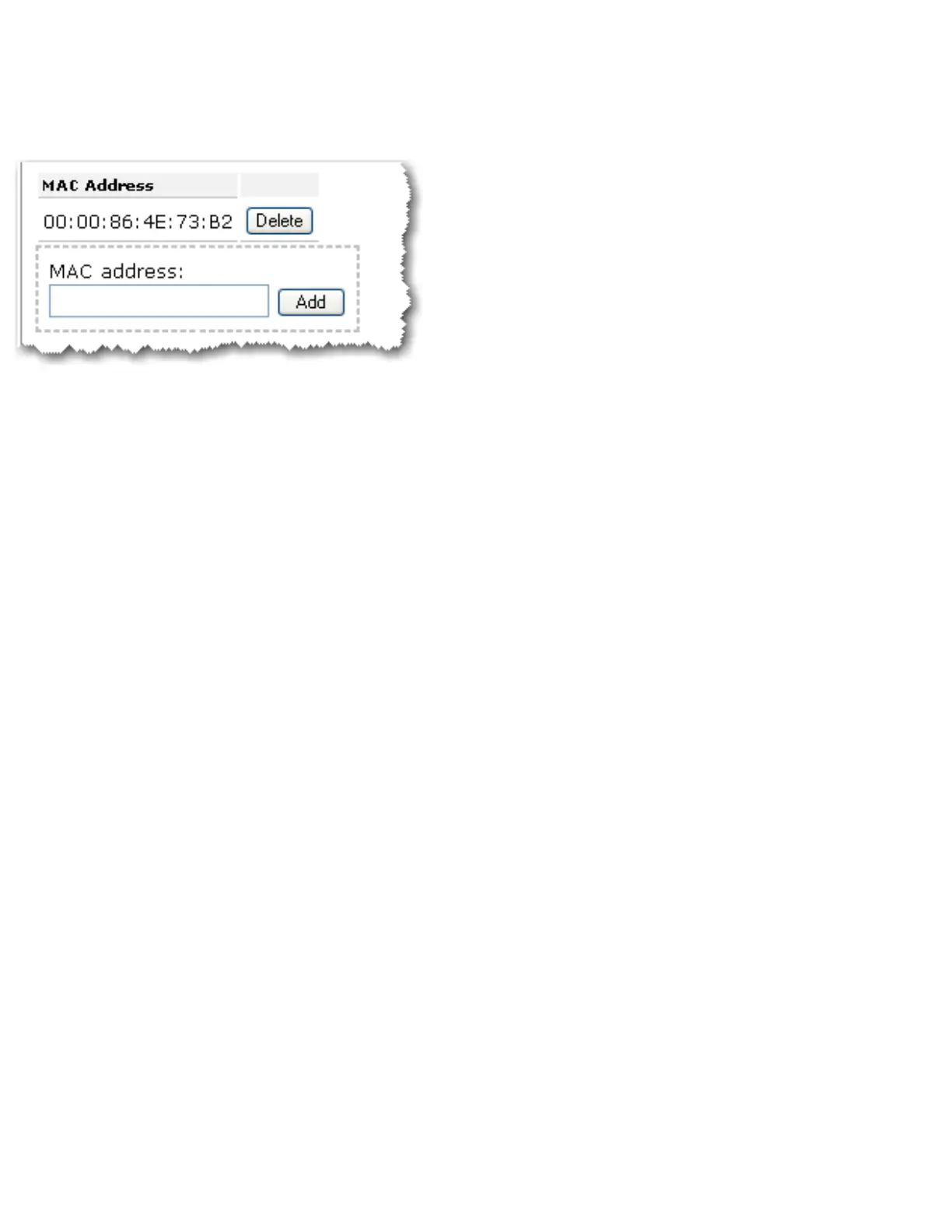
or access points that will connect to this access point and click the Add button.
To delete an existing WDS mapping, click the Delete button next to the MAC Address:
The access point’s WDS connections do not support WPA2 (PSK), any of the RADIUS
security methods, and TKIP and AES encryption.
If your access point is set with one of the following security methods and encryption types,
all WDS connections to the access point should use WPA-PSK (TKIP):
● WPA2 (PSK) with TKIP and AES
● WPA2 (PSK) with TKIP
● WPA (PSK) with TKIP and AES
● WPA (PSK) with TKIP
If your access point is set with one of the following security methods and encryption types,
all WDS connections to the access point should use WPA (PSK) with AES:
● WPA2 (PSK) with AES
● WPA (PSK) with AES
In both of these cases, the Pass phrase (which is also commonly called a Network key, key,
or Personal shared key) you entered for the wireless security on your access point will be
also used as the Personal Shared Key (PSK) for WDS connections. However, all wireless
clients connecting to the access point should continue to use the same security method and
encryption type that you configured on your access point.
Wi-Fi Multimedia (WMM)
This feature is disabled by default. If you want to enable this feature, select the checkbox
next to WMM (Wi-Fi Multimedia). The other devices that you are connecting to in order to



 To Next Page