● A router with Dynamic Host Configuration Protocol (DHCP) enabled
● A Ethernet-based cable or DSL modem or other WAN connection for Internet access
● An HTML 4.01-compliant Web Browser with JavaScript enabled
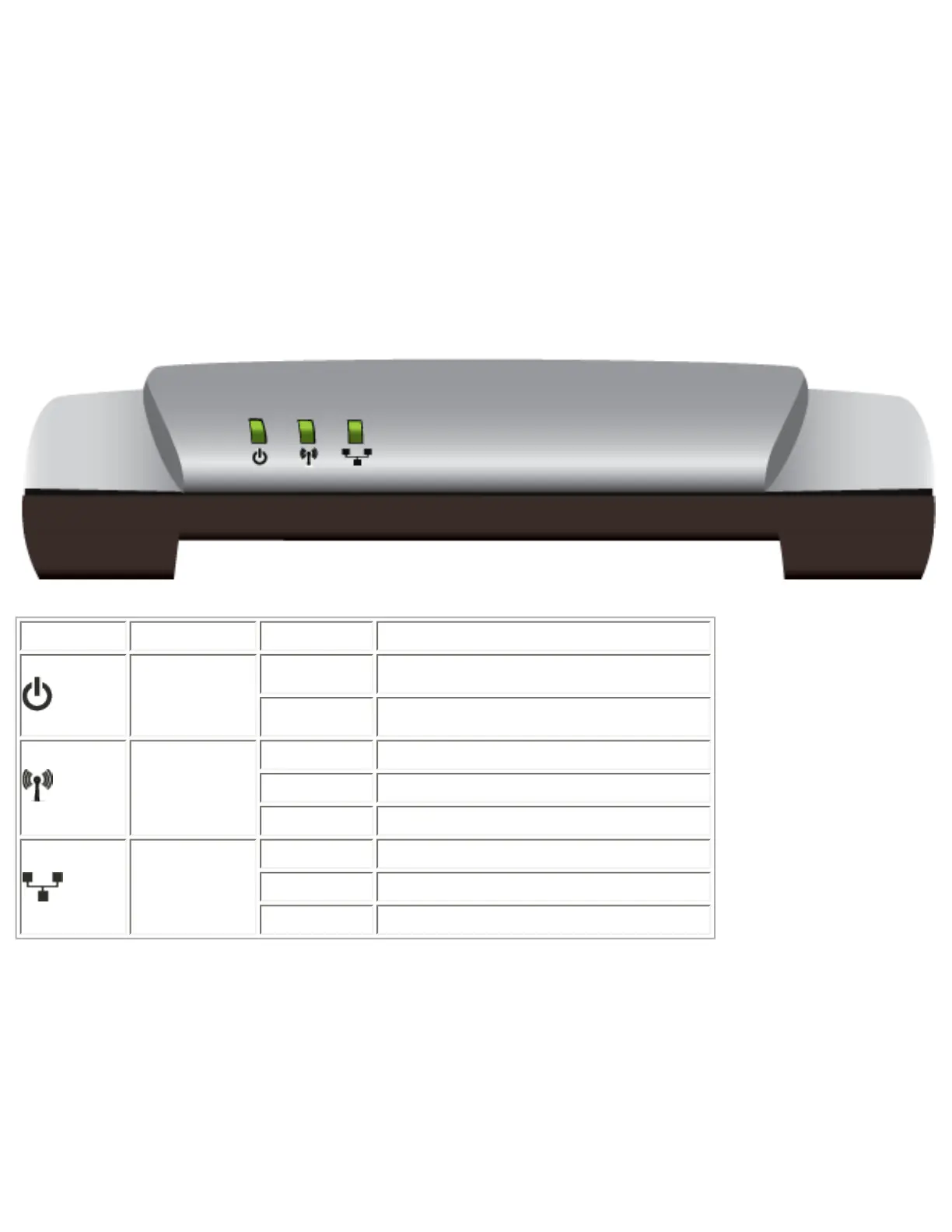
Product Views
Front
Symbol Name State Condition
Power
Off Not receiving power.
Solid Receiving power.
WLAN
(Wireless
Network)
Off Wireless connection is disabled.
Solid Wireless connection is enabled.
Flashing Sending and receiving data.
LAN
Off No LAN connection.
Solid LAN link is achieved.
Flashing Sending and receiving data.
Back
file:///G|/CSO/T-Writer%20Repository/Networking/5455%20MAXg%20CR%20AP/Regulatory%20Preview/index.html (2 of 3)4/24/2007 5:15:18 PM



 To Next Page