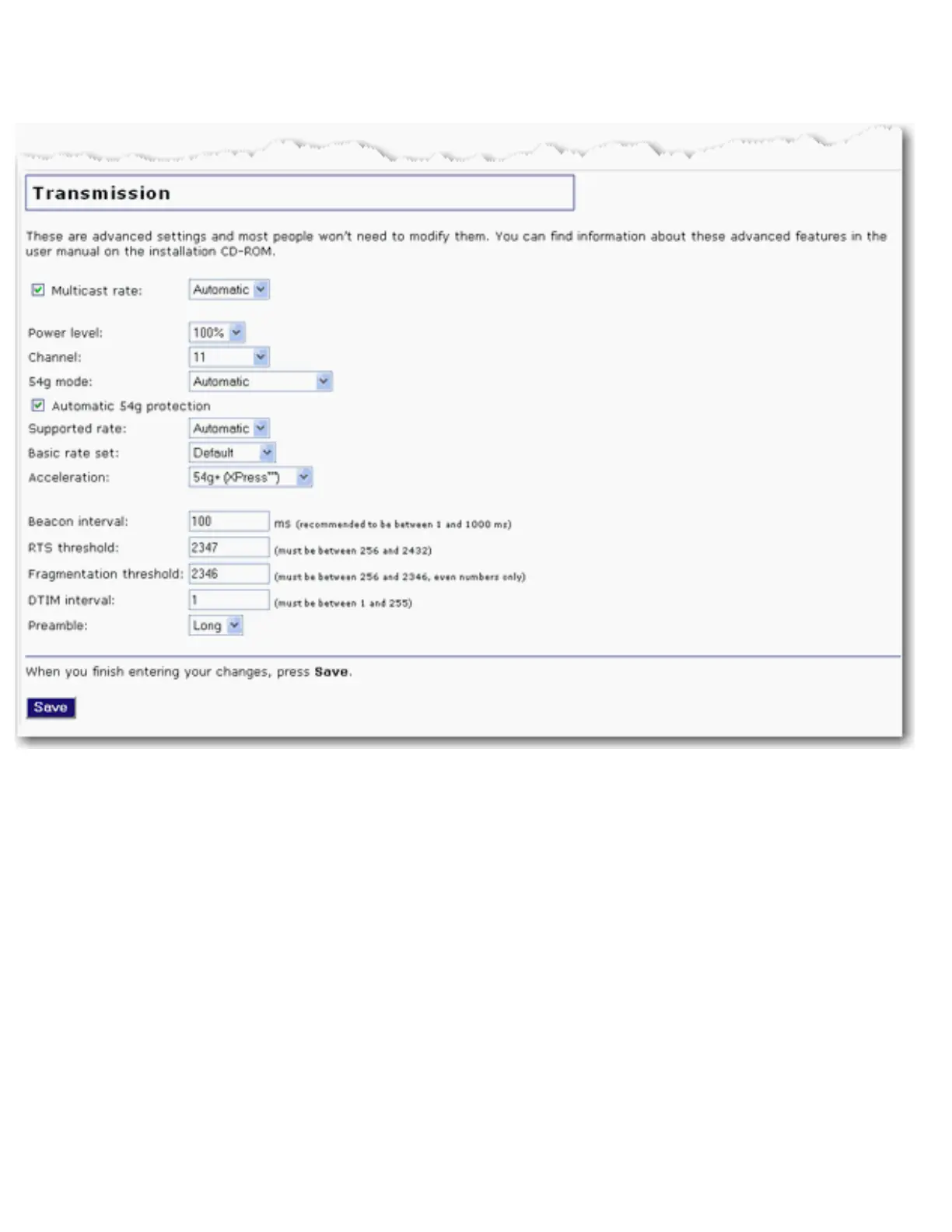
before you make any changes in case you experience any problems and need to change
these settings back.
● Multicast rate: Specify the rate at which multicast packets are transmitted and
received on your wireless network. Multicast packets are used to send a single
message to a set of recipients in a defined group. Teleconferencing, videoconferencing
and group email are some examples of multicast applications. Specifying a high
multicast rate may improve performance of multicast features. The rates are in Mbps.
You can select Automatic, 1, 2, 5.5, 6, 9, 11, 12, 18, 24, 36, 48, 54.
To prevent the access point from transmitting multicast packets, clear the checkbox.
● Power level: Select 100%, 50%, or 25% from the drop-down menu. The Power level
sets the strength of the wireless signal that the access point transmits. You would
want a lower setting if you live in an area where your wireless signal could be
overlapping with other wireless networks and want to reduce the interference you
encounter.
● Channel: Sets the channel on which the access point is to operate. If you are



 To Next Page