Page 24
LPX SEED TREATER
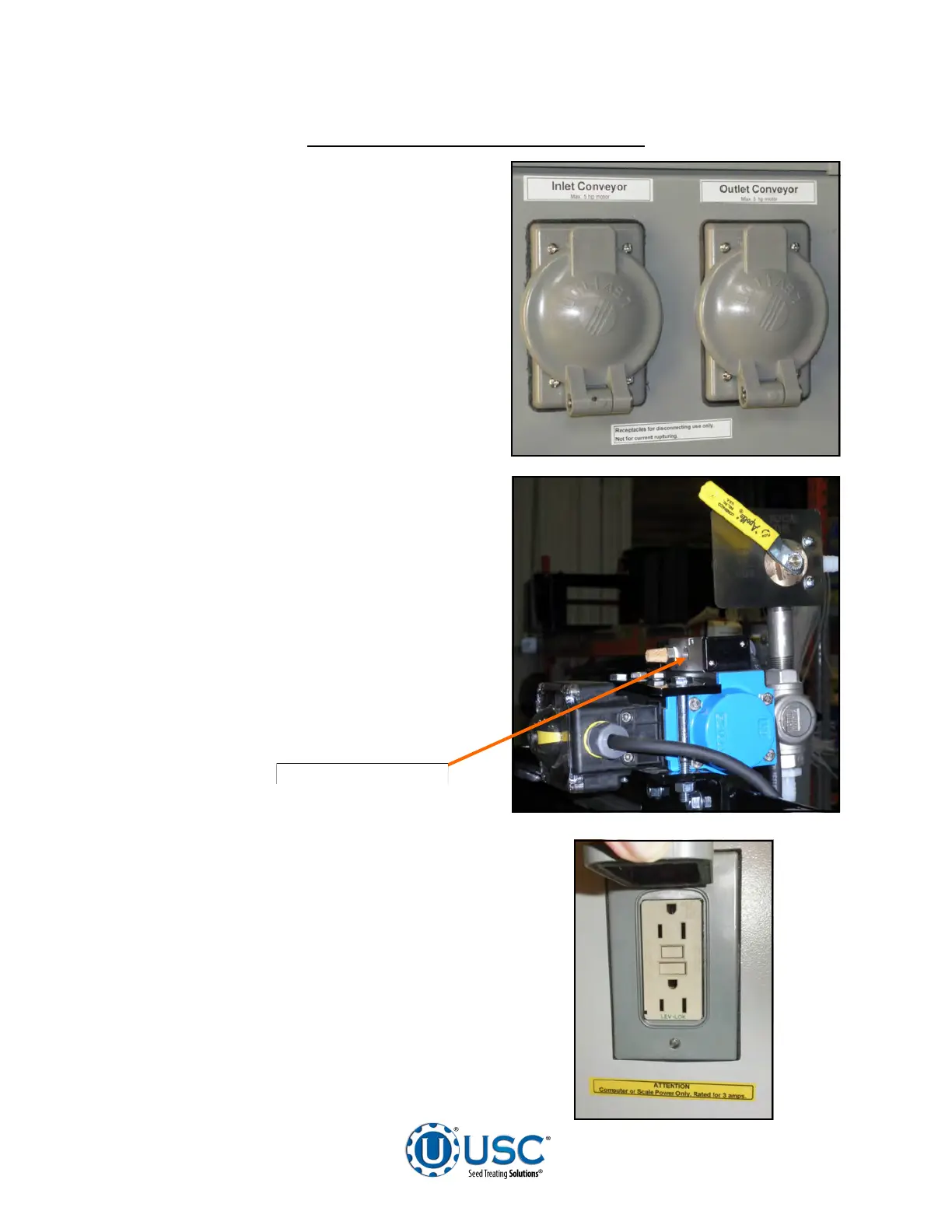
14. Connect any conveyors that need to
be controlled through the touch screen
control panel to the bottom of the treater
control panel.
.
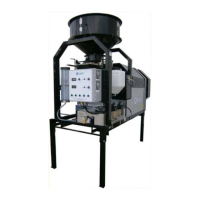
15. It is required that the air supply have an
in-line customer supplied air dryer to
protect the air system from contamination.
Supply approximately 100 - 110 pounds
of air pressure from the dryer to the port
on the air actuated 3-way valve located
on the pump stand frame behind the
electric control panel.
LPX AUTOMATED TREATER SET - UP
Air Supplied Here
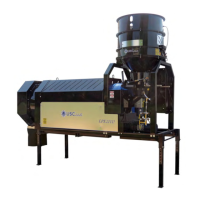
16. Two 110V (3 Amp) plugs are located on
the left side of the Main Control Panel to
allow the operator to plug in a printer to
print reports directly from the HMI screen
(top). The second plug can be used to
power a laptop computer.


 To Next Page